A-SR-11B
A-SR-11B
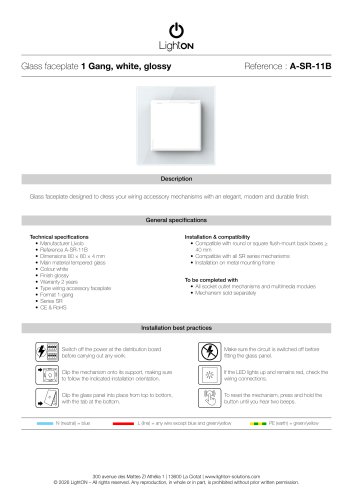
The Glass Faceplate 1 Gang in white and glossy finish is designed to enhance wiring accessory mechanisms with a modern and durable appearance.
Technical Specifications
- Manufacturer: Livolo
- Reference: A-SR-11B
- Dimensions: 80 × 80 × 4 mm
- Main Material: Tempered glass
- Colour: White
- Finish: Glossy
- Warranty: 2 years
- Type: Wiring accessory faceplate
- Format: 1-gang
- Series: SR
- Certifications: CE & RoHS
Installation & Compatibility
- Compatible with round or square flush-mount back boxes ≥ 40 mm
- Compatible with all SR series mechanisms
- Requires installation on a metal mounting frame
To Be Completed With
- All socket outlet mechanisms and multimedia modules (mechanism sold separately)
Installation Best Practices
- Ensure the circuit is switched off before fitting the glass panel.
- If the LED lights up and remains red, check the wiring connections.
- To reset the mechanism, press and hold the button until you hear two beeps.
- Switch off the power at the distribution board before carrying out any work.
- Clip the mechanism onto its support, ensuring correct installation orientation.
- Clip the glass panel into place from top to bottom, with the tab at the bottom.
Contact Information
300 avenue des Mattes ZI Athélia 1 | 13600 La Ciotat | www.lighton-solutions.com
© 2026 LightON – All rights reserved. Any reproduction, in whole or in part, is prohibited without prior written permission.
Catalog excerpts
Glass faceplate designed to dress your wiring accessory mechanisms with an elegant, modern and durable finish. General specifications Technical specifications • Manufacturer Livolo • Main material tempered glass • Colour white • Finish glossy • Type wiring accessory faceplate Installation & compatibility • Compatible with round or square flush-mount back boxes > 40 mm • Compatible with all SR series mechanisms • Installation on metal mounting frame • All socket outlet mechanisms and multimedia modules • Mechanism sold separately Installation best practices m Switch off the power at the distribution board before carrying out any work. Clip the mechanism onto its support, making sure to follow the indicated installation orientation. If the LED lights up and remains red, check the wiring connections. Clip the glass panel into place from top to bottom, with the tab at the bottom. To reset the mechanism, press and hold the button until you hear two beeps. L (line) = any wire except blue and green/yellow 300 avenue des Mattes ZI Athelia 1 | 13600 La Ciotat | www.lighton-solutions.com © 2026 LightON - All rights reserved. Any reproduction, in whole or in part, is prohibited without prior written p
Open the catalog to page 1All LightON catalogs and technical brochures
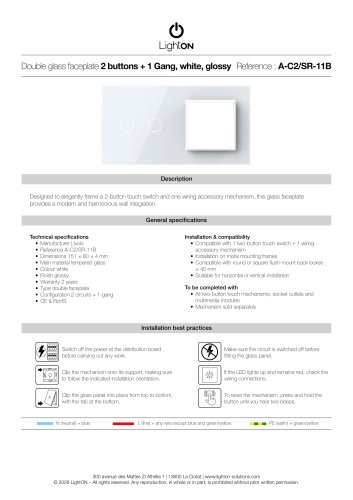 A-C2/SR-11B
1 Page
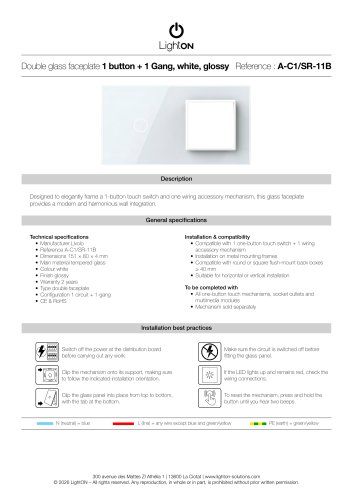 A-C1/SR-11B
1 Page
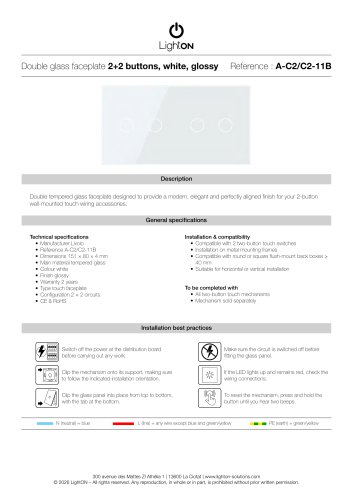 A-C2/C2-11B
1 Page
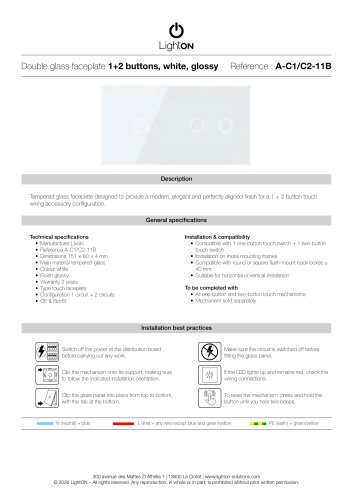 A-C1/C2-11B
1 Page
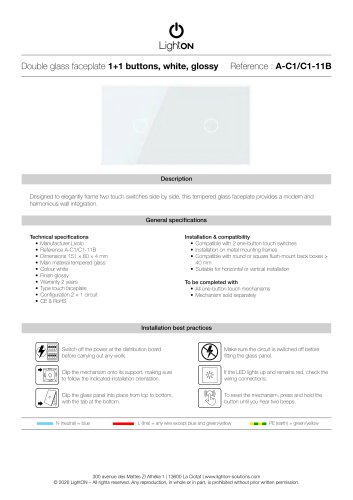 A-C1/C1-11B
1 Page
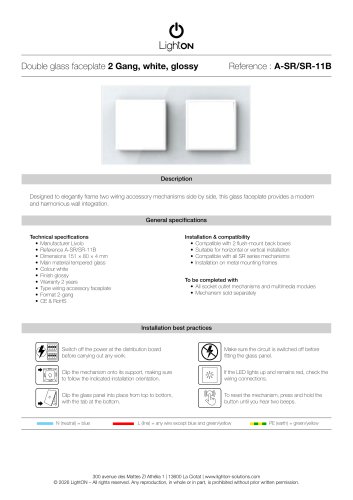 A-SR/SR-11B
1 Page
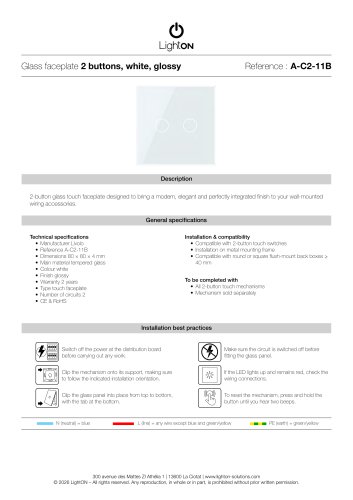 A-C2-11B
1 Page
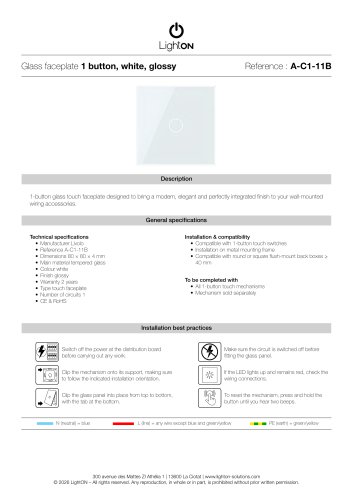 A-C1-11B
1 Page
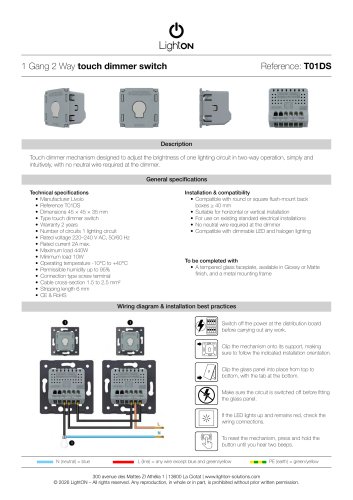 LightON 18
1 Page
 LightON 16
1 Page
 LightON 14
1 Page
 LightON 12
1 Page
 LightON 10
1 Page
 LightON 8
1 Page
 LightON 6
1 Page
 LightON 4
1 Page
 LightON 2
1 Page