
- Catalogs
- iTEC - Access Controls
- iviewer01

iviewer01

iviewer01
- 2.5-inch LCD screen with high-definition display.
- Photo-snapping and doorbell functions.
- Automatic photography when not at home and energy-saving mode.
- 190-degree lens for wide viewing angle.
- Easy installation without altering door structure.
- Insert the peephole lens and barrel through the door and secure with a tightening tool.
- Connect cables and ensure they are correctly joined.
- Mount the LCD and secure with screws.
- 2.8-inch TFT-LCD with high-definition display.
- Infra-red sensor for automatic motion detection.
- Supports SD card up to 32GB for photo and video storage.
- Low power consumption with battery alerts.
- Use double-sided adhesive to attach components.
- Insert battery and optional SD card.
- Secure the LCD and connect the components as per the diagram.
- 2.8-inch TFT-LCD with high-definition display.
- 0.3 Megapixel CMOS Sensor for improved image quality.
- Compatible with door thicknesses of 38-110mm and orifices of 14-22mm.
- Powered by two AAA batteries.
- Replace existing door viewer or create a new hole at eye level.
- Secure the camera and lens with the provided clamping tool.
- Ensure data cable is properly seated and excess wire is managed.
Catalog excerpts
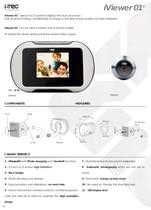
iViewer 01 uses an LCD panel to display who is at your door. Due to its technology, transforming an image in low light image quality and high resolution. ® iViewer 01 can be used in hotels, due to its bell outside. To restart the viewer simply press the power button again. COMPONENTS Lens CHARACTERÍSTICS 1 - iViewer01 with Photo-snapping and doorbell functions 7 - Radiationless and low power dissipation 2 - 2,5 inch LCD screen High Definition 8 - Automatic photography when you are not at 4 - Photo shooting and storage 9 - Automatic energy saving mode 5 - Easy operation and installation, no need...
Open the catalog to page 2
When the barrel is sung, rotate the base Flange until the TOP icon is at 12 o’clock (vertical). Use the Tightening Tool included to tighten the PeepHole barrel. Join the two ends of the connection cables and press them firmly. Ensure that the cable ends are joined correctly. Hold the door viewer in a position of 25 degrees and insert it on the basis of the LCD. Bend the wires to put them into the support base of the viewfinder, take care to prevent the cables from being damaged. Rotate the peephole viewer clockwise until horizontal and you feel it lock in place. Press the power button and check...
Open the catalog to page 3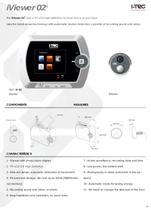
The iViewer 02 uses a TFT-LCD high-definition to show who is at your door. Uses the latest sensor technology with automatic motion detection, capable of recording sound and video. COMPONENTS Battery iViewer Lens CHARACTERÍSTICS 1 - iViewer with photo/video display 7 - Active surveillance, recording date and time 2 - TFT-LCD 2.8" High Definition 8 - Low power, low battery alert 3 - Infra-red sensor, automatic detection of movement 9 - Photography or video automatic in the ab- 4 - Pictures and storage, SD card up to 32GB (256MB inter- 10 - Automatic mode for saving energy 5 - Recording sound and...
Open the catalog to page 5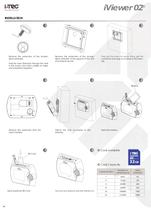
Remove the protection of the doublesided adhesive. Pass the tube threaded through the hole in the screen door from outside to inside and press them together. Remove the protection of the doublesided adhesive of the support of the LCD and press to secure. Then put the screw for better fitting, get the connector and plug according to the drawing. Remove the protection from the watch battery Attach the LCD according to the drawing SD Card available SD Card SD Card Capacity Capacity (Gb) Input (optional) SD Card You are now ready to turn the iViewer on.
Open the catalog to page 6
iViewer03® Keep your home safe. Even though you have the traditional display, this use a fixed focal point, and in cases of difficulty of vision by the user, as in the case of children due to its height could not see through traditional display , will further complicate the identification image from the outside. ® With iViewer03 , this image is improved thanks to its high-performance digital camera allowing the perfect view through the inside LCD with high image quality. Allows complete confidentiality in the display abroad, expands the viewing angle outside with perfect clarity and helps you...
Open the catalog to page 8All ITEC - Access Controls catalogs and technical brochures
 Catalog 2022
95 Pages
 iTEC Turnstiles Catalog
50 Pages
 Catalogo iTEC 2021-22
45 Pages
Archived catalogs
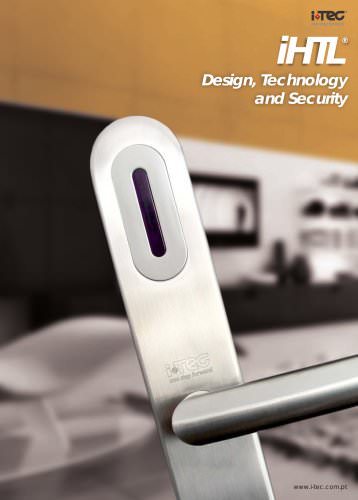 iHTL
iHTL3 Pages
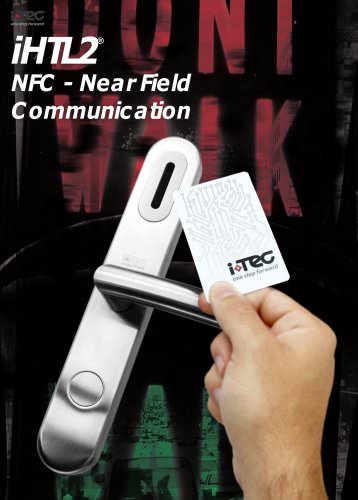 iHTL2
iHTL22 Pages
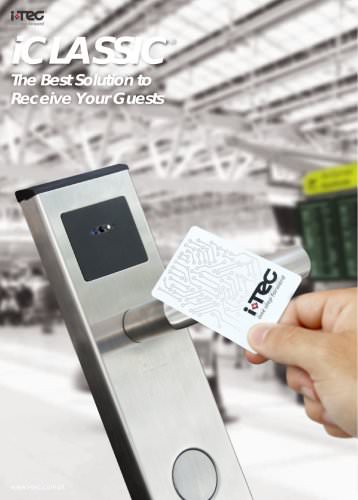 iclassic
2 Pages
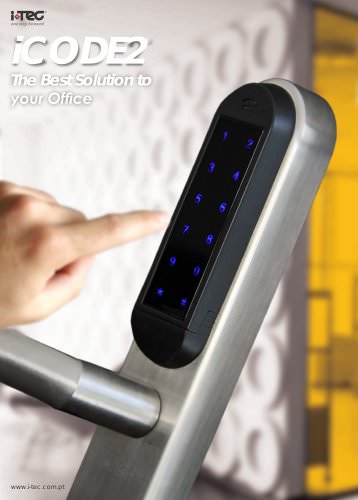 icode2
3 Pages
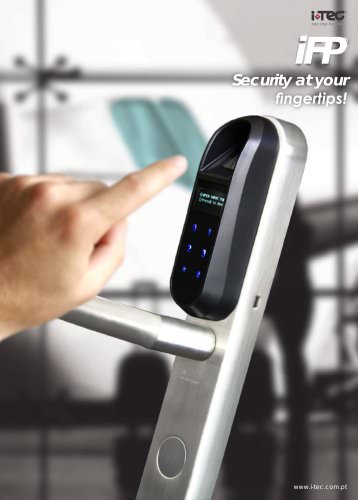 iFP
iFP2 Pages
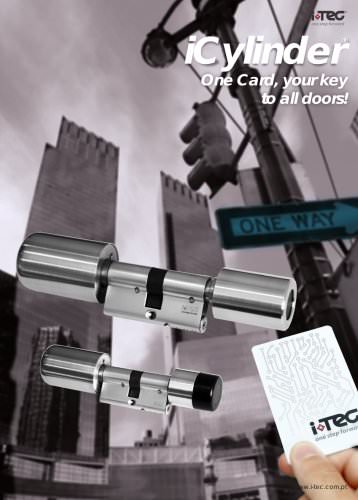 iCYLINDER
7 Pages
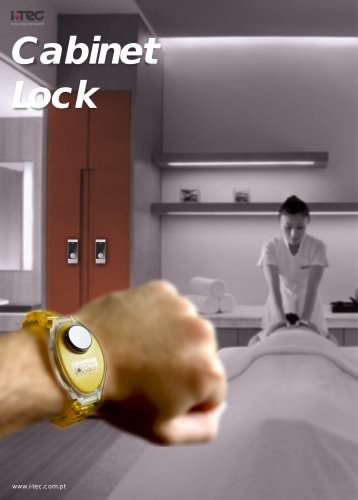 cabinet lock
3 Pages
 Door lock
2 Pages
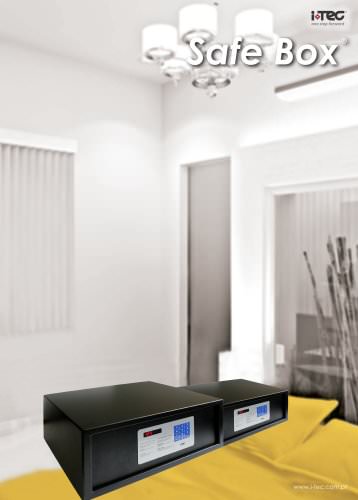 safe box
2 Pages
 iminibar
2 Pages
 hotel accessoires
5 Pages
 CATALOGUE 2017 | 2018
168 Pages
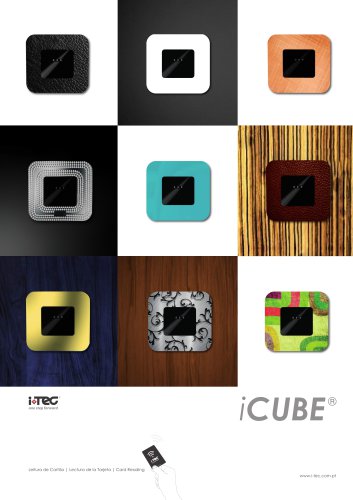 iCUBE ®
4 Pages