
- Catalogs
- Homematic IP by eQ-3
- Homematic IP User Guide


- Company
- Products
- Catalogs
- News & Trends
- Exhibitions
Homematic IP User Guide

Homematic IP User Guide
The document is a comprehensive guide on the Homematic IP system, a smart home solution by eQ-3, a leader in smart home technology in Europe. It covers the system's capabilities in automating home tasks, focusing on climate control, security, lighting, and access management.
The Homematic IP system is designed for easy transformation of a regular home into a smart home. It includes a variety of products and operates on wireless technology, offering features like advanced routing and range extension.
The system comprises devices, a cloud service, and a smartphone app. It supports wireless technology with advanced routing options and multiple access points to extend device limits.
The app provides a user-friendly interface for managing home automation, including room configuration, device pairing, and system settings.
Details on configuring the system, including device management, updates, and general settings, are provided.
The guide covers configuring climate control for individual rooms and system-wide settings, including heating and cooling schedules and eco mode.
Instructions for installing and configuring security devices, such as water sensors and alarm systems, are included.
Sections on configuring lighting solutions and access control, including door lock drives and garage door controllers, are detailed.
The guide explains how to set up voice control with Amazon Alexa and Google Assistant, and discusses data security considerations.
Additional technical details, including radio protocol information and a glossary, are provided for further reference.
The system is set up using a smartphone app and an Access Point, connecting devices to the Homematic IP Cloud. The cloud service is hosted on German servers, ensuring compliance with European data protection standards.
Devices can operate offline using the IPv6 protocol, allowing direct communication between devices without relying on the cloud.
The system offers solutions for room climate, security and alarms, access, light and shade, and weather and environment.
The system is characterized by simplicity, interference immunity, superior range, uncompromising security, battery operation, reliability, and adherence to privacy policies.
Devices can be configured with various settings, including operating locks, temperature offsets, and message delays. Multi-channel view and button configuration are also supported.
Includes access point replacement, multi-home management, and factory reset options.
Details on configuring and operating a climate control solution using Homematic IP devices, including operating modes and system-wide settings.
Provides reliable alerts in emergencies via push messages and local sirens. Security components should be discreetly positioned.
Users can customize alarm notifications and configure security solutions after setting up the Access Point and pairing devices.
Shutter and blind actuators require a calibration run for operation. Users can manually set movement times and configure device settings for shading control.
Explains how to manage access authorisation for a door lock drive using time profiles.
Details the integration of voice control through Amazon Alexa and Google Assistant.
The system supports a maximum of 80 devices per access point, with recommendations for up to 20 rooms and 15 smartphones.
Ensures data privacy by storing information on German servers, adhering to European data protection guidelines.
A checklist is provided for diagnosing issues related to internet connection, power supply, start-up, and radio problems.
Homematic IP uses secure radio communication, with devices operating in different receive modes to optimize battery usage and ensure reliable communication.
Includes key terms related to the system, such as AES-128 encryption, automatic and eco operation modes, and duty cycle limit.
Catalog excerpts

Smart Living, Simply Exciting.
Open the catalog to page 1
©2022 eQ-3 AG Maiburger Straße 29 26789 Leer / Germany www.eQ-3.com All rights reserved. Translation from the original version in German. This manual may not be reproduced in any format, either in whole or in part, nor may it be duplicated or edited by electronic, mechanical or chemical means, without the written consent of the publisher. Typographical and printing errors cannot be excluded. However, the information contained in this manual is reviewed on a regular basis and any necessary corrections will be implemented in the next edition. We accept no liability for technical or typographical...
Open the catalog to page 2
Current issues CURRENT ISSUES This user manual will inform you, on the one hand, about the technology, installation, commissioning and functioning of Homematic IP. On the other hand, you will find numerous answers to questions for everyone who is in home automation and Homematic IP in general. You will furthermore be provided with basic information on the topic of smart home and radio technology, giving you valuable tips for planning and the optimum operation of the Homematic IP System.
Open the catalog to page 5
A smart home offers automation of recurring day-to-day operations and tasks in houses or flats: While using an appropriate system, different (technical) devices and functionalities can be connected within one household in order to control them as comfortably as possible and for the automation of recurring tasks. In the following pages, you will find detailed information on Homematic IP in general, for start-up and for the control of your system. On the smart home market, eQ-3 counts among the innovation and technology leaders, and it is considered a pioneer especially in the home control area....
Open the catalog to page 6
Single devices are configured by the free Homematic IP Cloud Service, which is run exclusively on servers located in Germany and therefore complies with European and German data protection guidelines. Furthermore, all communication between the Access Point, cloud and app is encrypted. Neither during nor after installation of the app, you will need to provide private data such as name, email address or mobile phone number. All products communicate via the robust and reliable 868 MHz Homematic IP Wireless Protocol. There are no interferences caused by WLAN, Bluetooth or other radio standards operating...
Open the catalog to page 7
Yet more possibilities thanks to open interfaces Homematic IP covers many user wishes with the product portfolio. Moreover, the system can be operated with Amazon Alexa and Google Assistant which not only enables comfortable voice control, but also the preparation of individual, multi-vendor scenarios. The open system interfaces are additionally used for tying in other IoT platforms, such as Home Connect + or mediola. That’s how the smart home will become even more individualized and more extensive. * Smart Homes and Home Automation study (02/2021). Berg Insight on whole-home systems.
Open the catalog to page 8
Application areas For every application the appropriate solution – SIMPLY SMART! Room climate Homematic IP offers demand-based control of radiators room-by-room in the entire house, enabling increased living comfort and energy savings of up to 30 %. The Homematic IP Window / Door Contact detects open windows and doors and automatically turns down the heating during ventilation. In addition, efficient floor heating control that offers operation via app can be realised with Homematic IP. The system detects the required heating demand for individual rooms and – unlike conventional heating circuit...
Open the catalog to page 9
Access With Homematic IP, you can easily make your front door smart and turn your smartphone into a digital key. The door can thus be opened at any time via the free smartphone app or via the practical remote control. Thanks to configurable access authorizations, access to the smart home can be individually managed – regardless of the day of the week or the point in time. The front door can only be opened when you want it to. Thus, for example, cleaning personnel or nursing care services can access the house only at specific times and via Key Ring Remote Control. Is the front door really locked?...
Open the catalog to page 10
Summary – Discover why Homematic IP is the first choice Simplicity The entire solution can be intuitively set up and comfortably controlled via smartphone app. Single devices are configured by the Homematic IP cloud service. As the devices communicate via radio, they can be retrofitted into houses really easily and also expanded at any time. Interference immunity Homematic IP is based on the 868 MHz radio band. There is no interference whatsoever from WLAN, Bluetooth, video streaming or other users of 2.4 GHz. Superior range Reliable communication between Homematic IP devices works even over...
Open the catalog to page 11
Components of the Homematic IP system COMPONENTS OF THE HOMEMATIC IP SYSTEM The devices of the Homematic IP system are characterised by an attractive, uniform product design. Largely determinative were the main aspects of ergonomics and usability. This applies to the individual devices whose design and functional elements were reduced to the essentials, which significantly simplifies the operation. Detailed information about the single Homematic IP devices can be found in the product datasheets of the Homematic IP devices, available for download at the website www.homematic-ip.com. The Homematic...
Open the catalog to page 12
Components of the Homematic IP system Operating principle of Homematic IP Home matic IP dev ices Homematic IP Access Point (HmIP-HAP) Data connection (mobile data) LAN Wireless All data stored in the Homematic IP Cloud are completely anonymous. That means they do not permit any conclusions about the user’s identity and the individual user behaviour – it is only required to record the IP address for technical reasons. The identification of a Homematic IP user is – even theoretically – only possible as part of a criminal prosecution and based on a court order. The Homematic IP smartphone app –...
Open the catalog to page 13All Homematic IP by eQ-3 catalogs and technical brochures
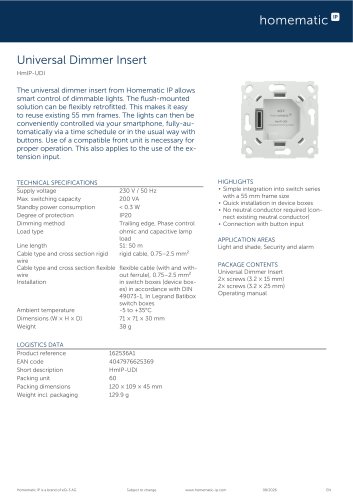 HmIP-UDI
2 Pages
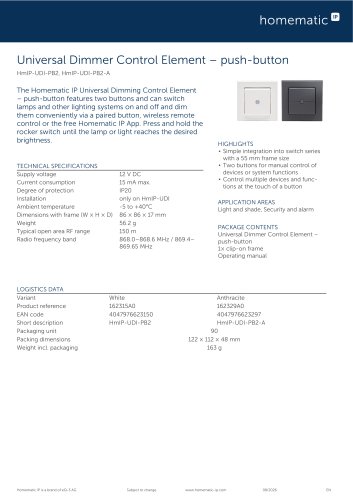 HmIP-UDI-PB2, HmIP-UDI-PB2-A
2 Pages
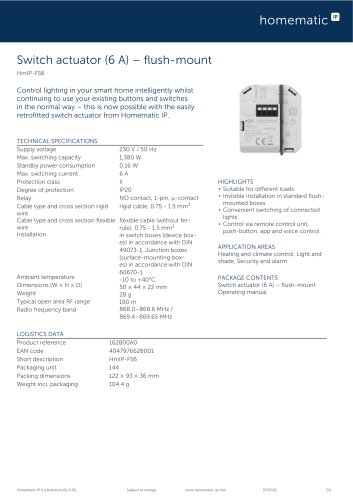 HmIP-FS6
2 Pages
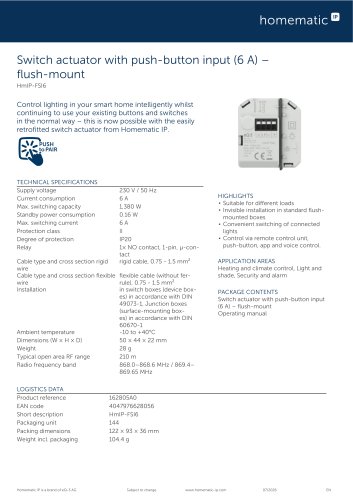 HmIP-FSI6
2 Pages
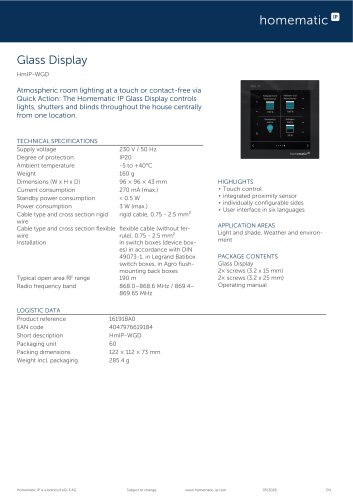 HmIP-WGD
2 Pages
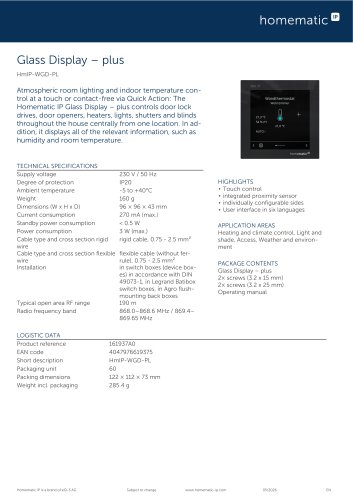 HmIP-WGD-PL
2 Pages
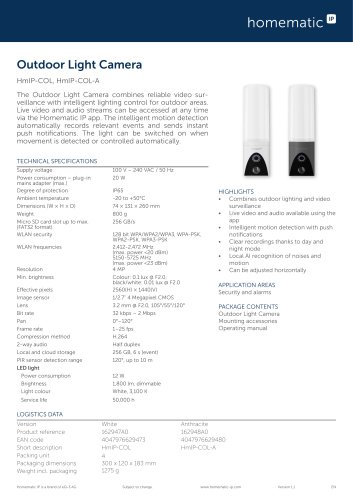 HmIP-COL, HmIP-COL-A
2 Pages
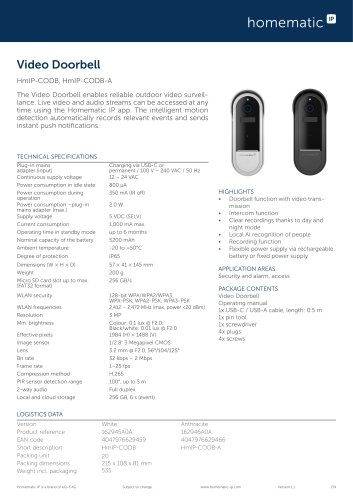 HmIP-CODB, HmIP-CODB-A
2 Pages
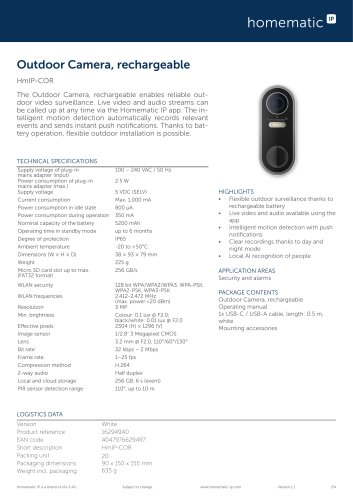 HmIP-COR
2 Pages
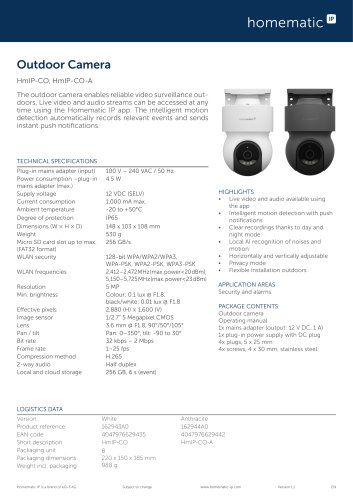 HmIP-CO, HmIP-CO-A
2 Pages
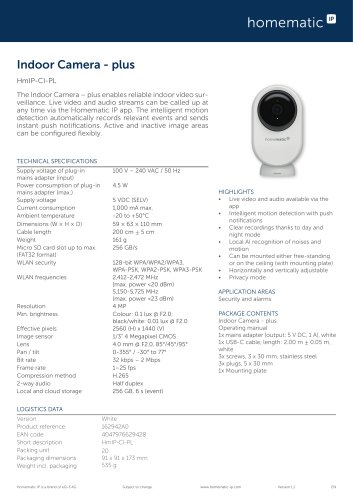 HmIP-CI-PL
2 Pages
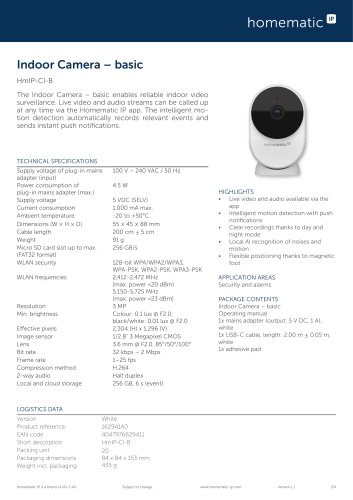 HmIP-CI-B
2 Pages
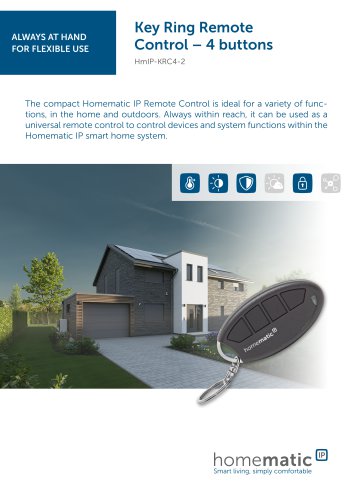 HmIP-KRC4-2
2 Pages
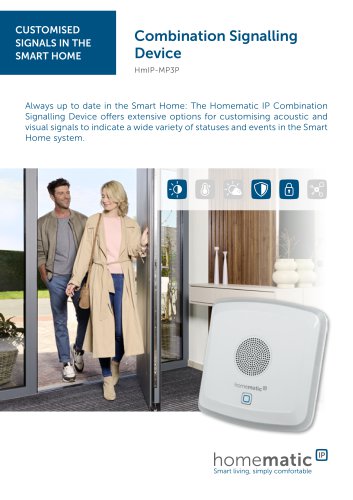 HmIP-MP3P
2 Pages
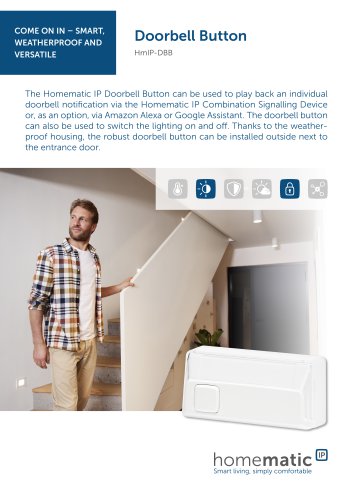 HmIP-DBB
2 Pages
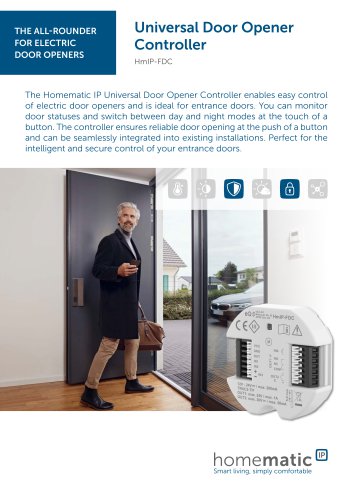 HmIP-FDC
2 Pages
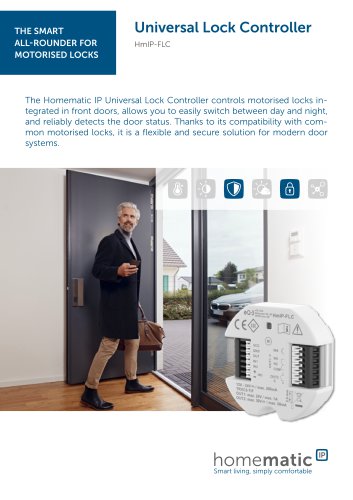 HmIP-FLC
2 Pages
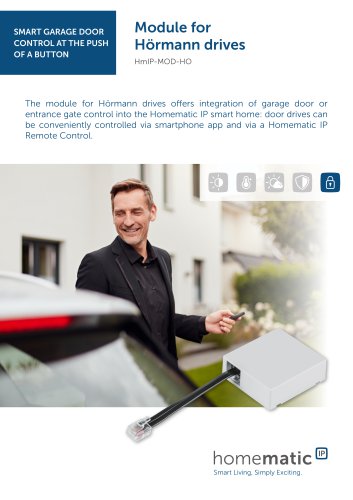 HmIP-MOD-HO
2 Pages
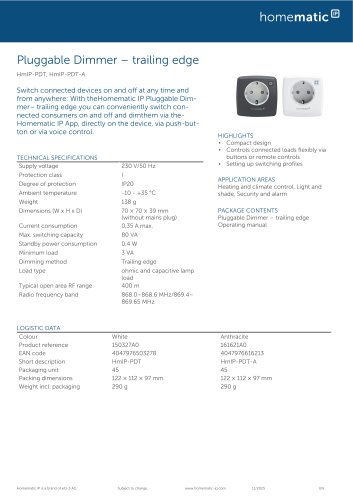 HmIP-PDT / HmIP-PDT-A
2 Pages
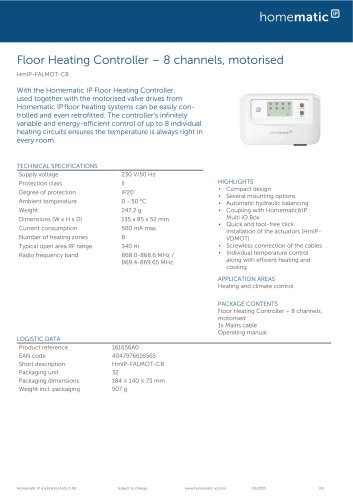 HmIP-FALMOT-C8
2 Pages
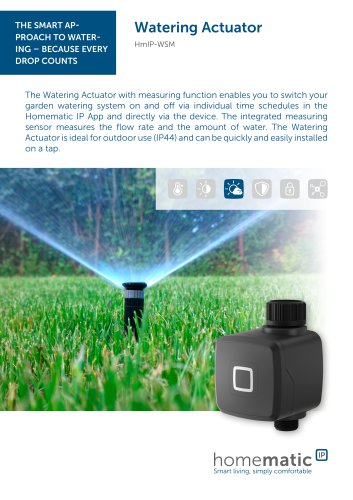 HmIP-WSM
2 Pages
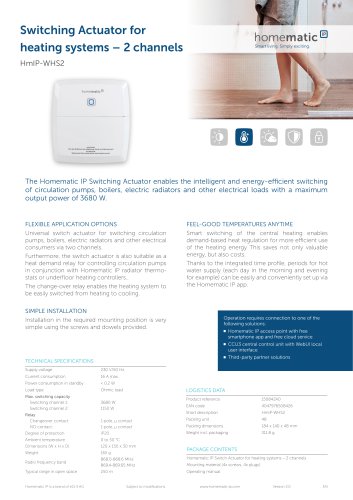 HmIP-WHS2
1 Page
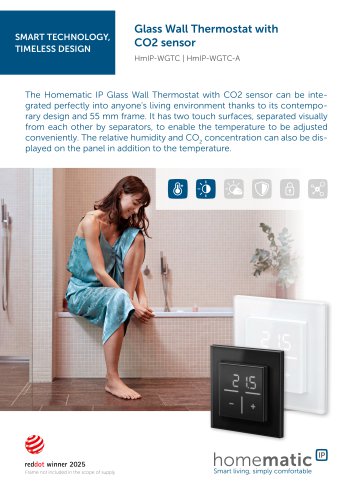 HmIP-WGTC / HmIP-WGTC-A
2 Pages
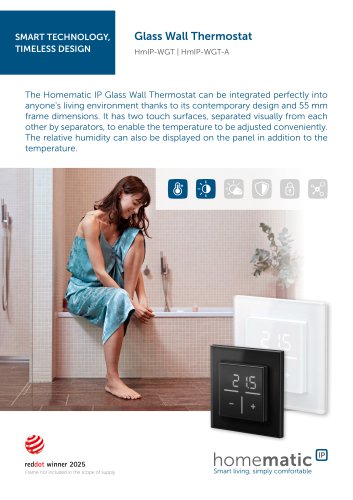 HmIP-WGT / HmIP-WGT-A
2 Pages
 Homematic IP Product Catalogue
49 Pages
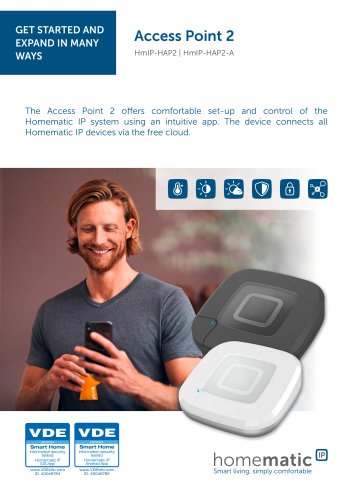 HmIP-HAP2 / HmIP-HAP2-A
2 Pages
 HmIP-FCI6
1 Page
 HmIP-FCI1
1 Page
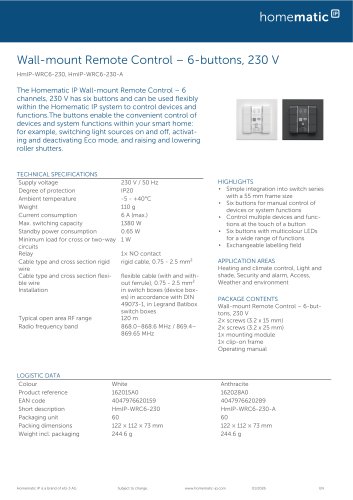
 HmIP-WRC6 / HmIP-WRC6-A
2 Pages
 HmIP-WRC2 / HmIP-WRC2-A
2 Pages
 HmIP-RC8
2 Pages
 HmIP-FWI
2 Pages
 HmIP-WKP
2 Pages
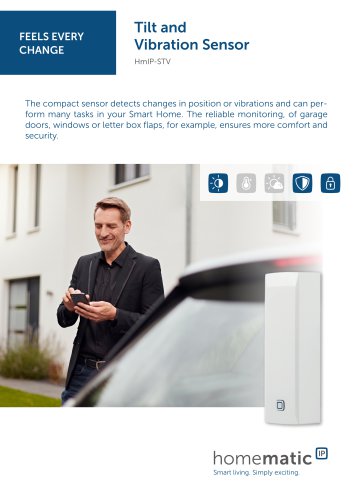 HmIP-STV
2 Pages
 HmIP-SWO-PR
2 Pages
 HmIP-SWO-PL
2 Pages
 HmIP-SWO-B
2 Pages
 HmIP-SWD
2 Pages
 HmIP-SLO
2 Pages
 HmIP-SPI
2 Pages
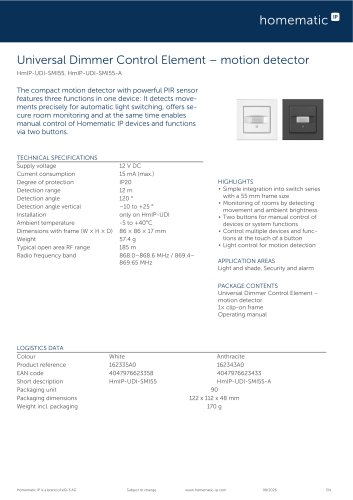
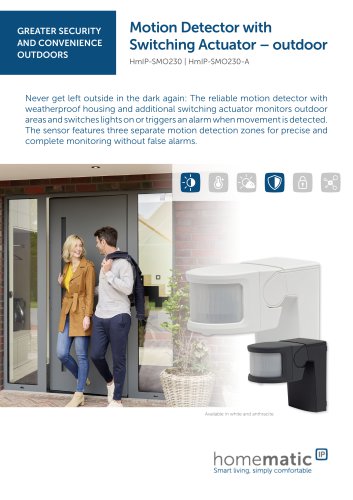 HmIP-SMO230 / HmIP-SMO230-A
2 Pages
 HmIP-SMI
2 Pages
 HmIP-SWDO-2 / HmIP-SWDO-A
2 Pages
 HmIP-DRBLI4
2 Pages
 HmIP-FBL
2 Pages
 HmIP-FROLL
2 Pages
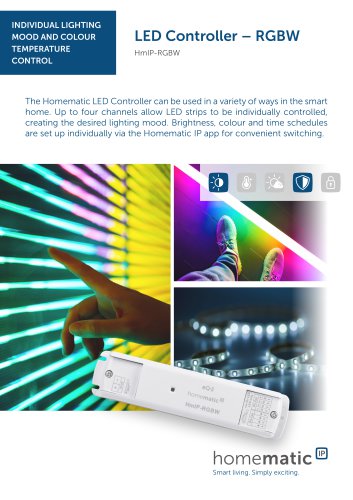 HmIP-RGBW
2 Pages
 HmIP-DRDI3
2 Pages
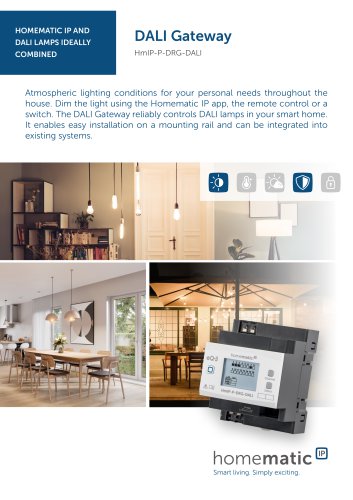 HmIP-P-DRG-DALI
2 Pages
 HmIP-DRSI4
2 Pages
 HmIP-DRSI1
2 Pages
 HmIP-WUA
2 Pages
 HmIP-ADA-SE
1 Page
 HmIP-ADA-SE2
1 Page
 HmIP-ADA-FE
1 Page
 HmIP-ADA-LG
1 Page
 HmIP-BDT-I
2 Pages
 HmIP-BBL-I
2 Pages
 HmIP-BSM-I
2 Pages
 HmIP-FSI16
2 Pages
 HmIP-PCBS
1 Page
 HmIP-FSM16
2 Pages
 HmIP-FSM
2 Pages
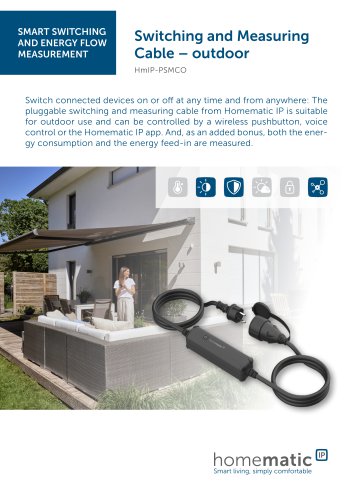 HmIP-PSMCO
2 Pages
 HmIP-PSM-UK
2 Pages
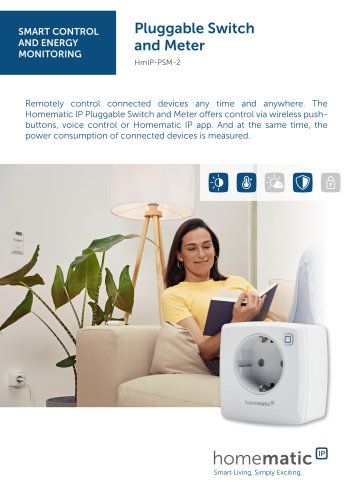 HmIP-PSM-2
2 Pages
 HmIP-PS-2
2 Pages
 HmIP-ASIR-O
2 Pages
 HmIP-ASIR-2
2 Pages
 HmIP-VDMOT
2 Pages
 HmIP-WTH-1 / HmIP-WTH-A
2 Pages
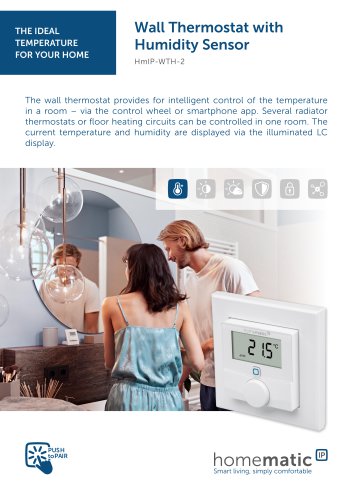 HmIP-WTH-2
2 Pages
 HmIP-eTRV-2
2 Pages
 HmIP-eTRV-3
2 Pages
 HmIP-eTRV-F
2 Pages
 HmIP-FALMOT-C12
2 Pages
 HmIP-PDT-UK
2 Pages
 HmIP-eTRV-B-2
2 Pages
 HmIP-SWDM-2
2 Pages
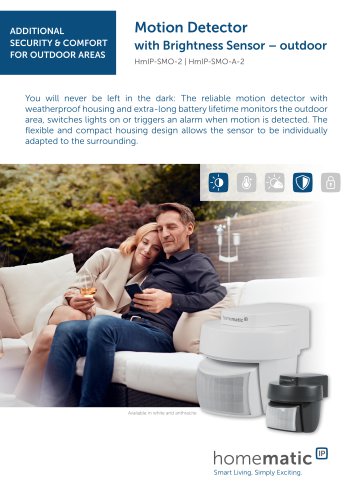 HmIP-SMO-2 / HmIP-SMO-A-2
2 Pages
 HmIP-STH / HmIP-STH-A
2 Pages
 HmIP-STHD / HmIP-STHD-A
2 Pages
 HmIP-STHO / HmIP-STHO-A
2 Pages
 HmIP-WTH-B-2 / HmIP-WTH-B-A
2 Pages
 HmIP-HCU1 / HmIP-HCU1-A
3 Pages
 HmIP-KRCA
2 Pages


- Industrial light switch
- Contemporary switch
- Recessed switch
- Homematic IP socket
- Homematic IP contemporary socket
- Square switch
- Homematic IP power socket
- Door intercom
- Homematic IP thermostat
- Push-button switch
- Homematic IP wall-mounted socket
- Homematic IP surface-mounted detector
- Silver-colored lock
- Surface-mounted lock
- Homematic IP white thermostat
- Homematic IP security camera
- White switch
- Homematic IP white socket