

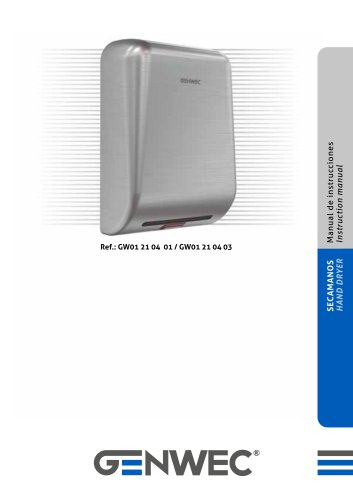
GW03 24 04 01,GW03 24 04 03 Instruction manual
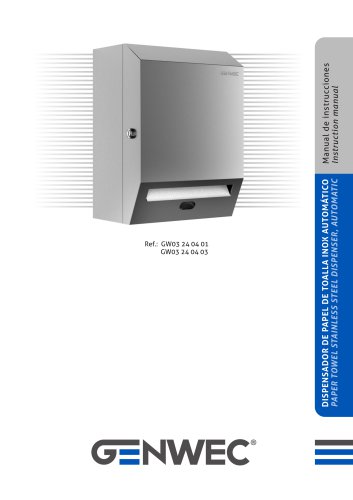
GW03 24 04 01,GW03 24 04 03 Instruction manual
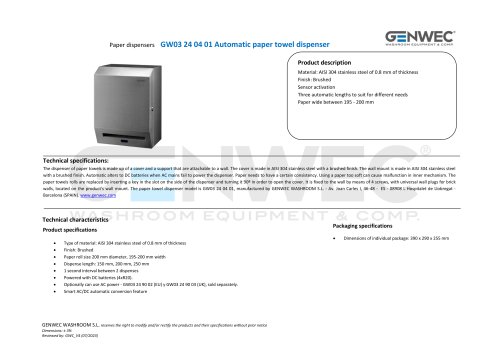
- Stainless steel cover for durability and easy cleaning.
- Infrared sensor for automatic paper dispensing, preventing cross-contamination.
- Adjustable paper length: 200mm, 250mm, 300mm.
- Accepts rolls 195-200mm wide, 200mm diameter.
- Automatic roll reload to prevent waste.
- Base, top and bottom paper holder, battery cover, transfer bar, rubber wheel, small wheel, sensor, switch, cover, lock.
- Drill 4 holes (6mm diameter) and mount the dispenser using included screws and plugs.
- Avoid direct sunlight or reflective surfaces.
- Install 4 x LR20 batteries correctly; ensure DC transformer is connected if used.
- Automatic switch between DC power and batteries.
- Activate by placing hands 8 ± 1 cm from the sensor.
- 1-second interval between dispenses.
- Adjust length using the 'Length Regulation' button.
- Check battery installation and power.
- Ensure no blockage at the paper outlet.
- Contact support if issues persist.
- DC Transformer: Input AC110-120V / 220-240V, Output DC 6V > 3VA.
- Sensing distance: 8 ± 1 cm.
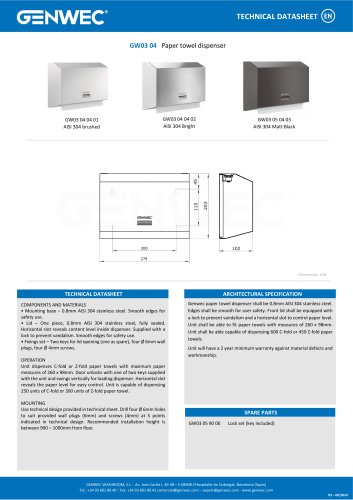
- Accepted roll dimensions: width 195-200mm, diameter 200mm.
- Dispenser, user manual, 4 plugs, 4 screws, 2 keys.
Catalog excerpts
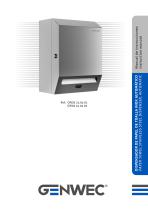
DISPENSADOR DE PAPEL DE TOALLA INOX AUTOMÁTICO PAPER TOWEL STAINLESS STEEL DISPENSER, AUTOMATIC Manual de instrucciones Instruction manual
Open the catalog to page 1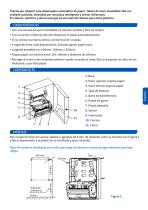
• Con una carcasa de acero inoxidable es robusto, estable y facil de limpiar. • Con un sensor infrarrojo permite dispensar el papel automaticamente. • El no utilizar las manos evita la contaminacion cruzada. • 1 segundo entre cada dispensacion, evitando gastar papel extra. • Acepta papel con anchos entre 195-200mm y diametro de 200mm. • Recargar el nuevo rollo automaticamente cuando se acaba el viejo. Esto evita gastar un rollo sin ser finalizado y que falte papel. 2. Parte superior soporte papel 3. Parte inferior soporte papel Abra la tapa frontal con la llave, taladre 4 agujeros de 6 mm. de...
Open the catalog to page 2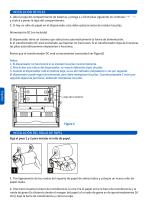
INSTALACIÓN DE PILAS 1. Abra la tapa del compartimento de baterías, y ponga 4 x LR20 pilas siguiendo los símbolos “+” “-”, y vuelva a poner la tapa del compartimento. 2. Si hay un rollo de papel en el dispensador, este debe quitarse antes de instalar las pilas. Alimentación DC (no incluido) El dispensador tiene un sistema que selecciona automáticamente la forma de alimentación. Si el transformador DC está enchufado, las baterías no funcionan. Si el transformador deja de funcionar, las pilas automáticamente empezarían a funcionar. Revise que el transformador DC está correctamente conectado (ver...
Open the catalog to page 3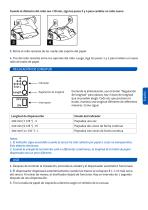
3. Retire el rollo restante de las ruedas del soporte del papel. 4. Tire del rollo restante entre los soportes del rollo. Luego, siga los pasos 1 y 2 para instalar un nuevo rollo de toalla de papel. Encienda la alimentacion, use el boton "Regulacion de longitud" para ajustar, hay 3 tipos de longitud que se pueden elegir. Cada vez que presiona el boton, muestra una longitud diferente de diferentes maneras. Como sigue: 1. El indicador sigue encendido cuando el sensor ha sido cubierto por papel o cosas no transparentes. Esto deberia eliminarse. 2. Cuando la energia de las baterias esta en diferentes...
Open the catalog to page 4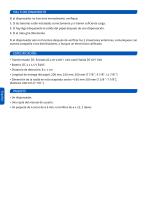
MAL FUNCIONAMIENTO Si el dispensador no funciona normalmente, verifique: 1. Si las baterías están instaladas correctamente y si tienen suficiente carga. 2. Si hay algo bloqueando la salida del papel.después de una dispensación. 3. Si el rollo gira libremente. Si el dispensador aún no funciona después de verificar las 3 situaciones anteriores, comuníquese con nuestra compañía o los distribuidores, o busque un electricista calificado. ESPECIFICACIÓN • Transformador DC: Entrada AC110-120V / 220-240V Salida DC 6V> 3VA • Batería: DC 4 x 1,5 V R20S • Distancia de detección: 8 ± 1 cm • Longitud de entrega...
Open the catalog to page 5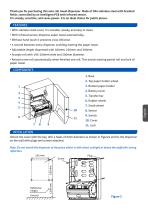
Thank you for purchasing this auto roll towel dispenser. Made of 304 stainless steel with brushed finish, controlled by an intelligent PCB with infrared sensor. It is steady, sensitive, and saves power. It is an ideal choice for public places. • With stainless steel cover, it is durable, steady, and easy to clean. • With infrared sensor, dispense paper towel automatically. • Without hand touch it prevents cross infection. • 1 second between every dispense, avoiding wasting the paper towel. • Adjustable length dispensed with 200mm, 250mm, and 300mm. • Accepts roll with 195-200mm wide and 200mm...
Open the catalog to page 6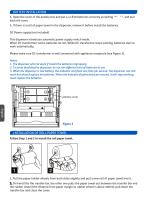
BATTERY INSTALLATION 1. Open the cover of the battery box and put 4 x LR20 batteries correctly according “+” “-”, and pull back the cover. 2. If there is a roll of paper towel in the dispenser, remove it before install the batteries. DC Power supply (not included) This dispenser introduces automatic power supply switch mode. When DC transformer works, batteries do not. While DC transformer stops working, batteries start to work automatically. Please make sure DC transformer is well connected with appliance receptacle (see Figure 3). Notes: 1. The dispenser will not work if install the batteries...
Open the catalog to page 7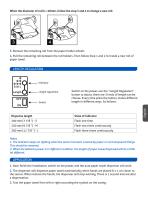
3. Remove the remaining roll from the paper holder wheels 4. Pull the remaining roll between the roll holders. Then follow Step 1 and 2 to install a new roll of paper towel. Switch on the power, use the "Length Regulation" button to adjust, there are 3 kinds of length can be choose. Every time press the button, shows different length in different ways. As follows: 1. The indicator keeps on lighting when the sensor has been covered by paper or not transparent things. This should be removed. 2. When the batteries power is in different condition, the length of paper towel dispensed will be a little...
Open the catalog to page 8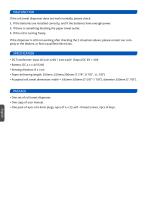
MALFUNCTION lf the roll towel dispenser does not work normally, please check: 1. If the batteries are installed correctly, and if the batteries have enough power. 2. If there is something blocking the paper towel outlet. 3. If the roll is turning freely. lf the dispenser is still not working after checking the 3 situations above, please contact our company or the dealers, or find a qualified electrician. PACKAGE • One set of roll towel dispenser. • One copy of user manual. English • One pack of 4pcs of ø 6mm plugs, 4pcs of 4 x 25 self - thread screws, 2pcs of keys.
Open the catalog to page 9
WASHROOM EQUIPMENT & COMP. Av. Joan Carles I, 46-48 08908 L´Hospitalet de Llobregat - Barcelona - (SPAIN) www.genwec.com
Open the catalog to page 10All Genwec catalogs and technical brochures
 CATALOG 4.0
198 Pages
 BATHROOM ACCESORIES BROCHURE
24 Pages
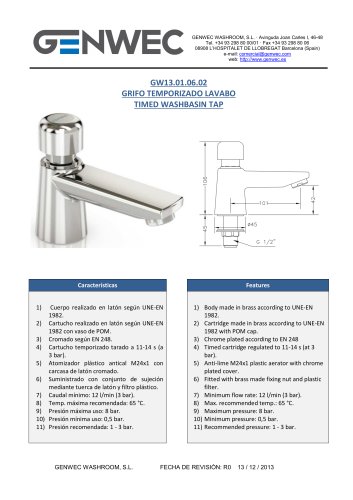 GW13 01 06 02
1 Page
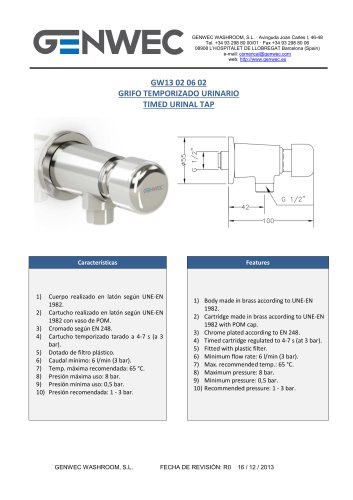 GW13 02 06 02
1 Page
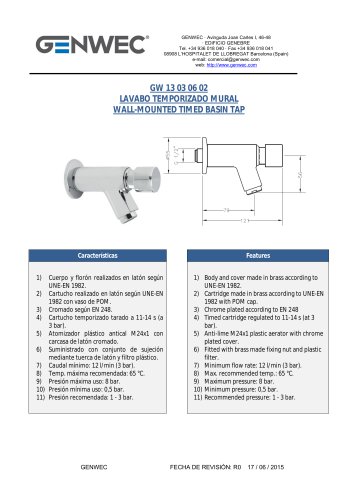 GW13 03 06 02
1 Page
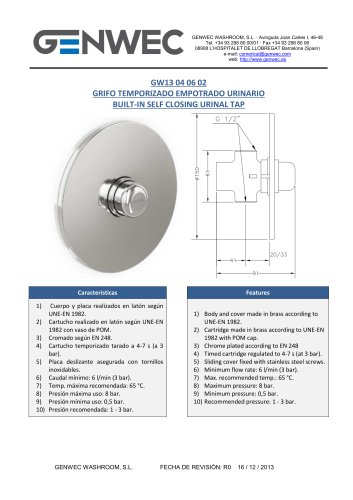 GW13 04 06 02
1 Page
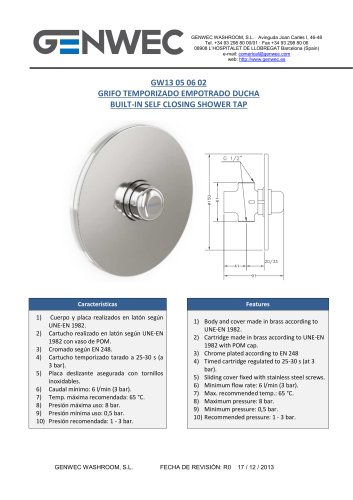 GW13 05 06 02
1 Page
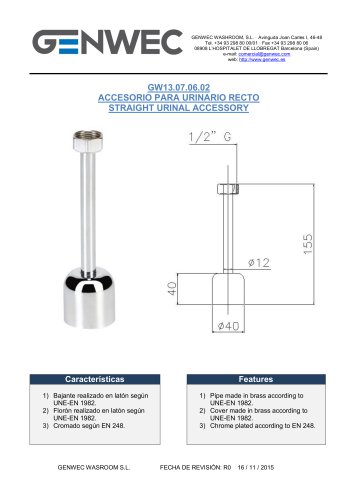 GW13 06 06 02
1 Page
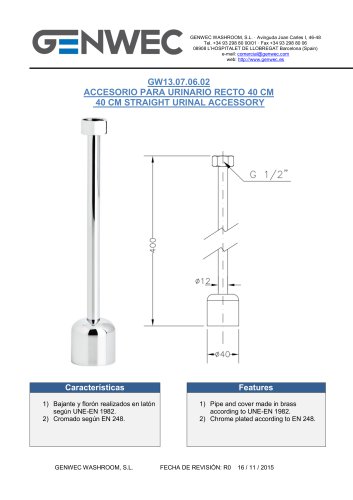 GW13 07 06 02
1 Page
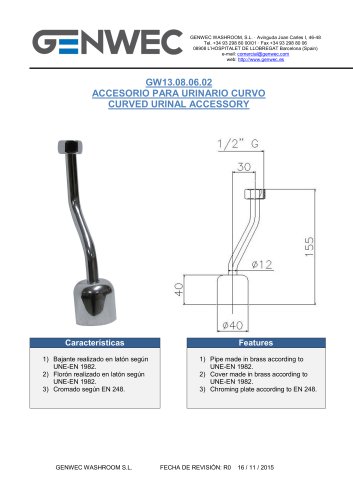 GW13 08 06 02
1 Page
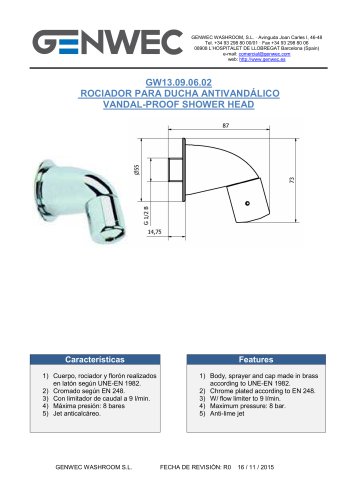 GW13 09 06 02
1 Page
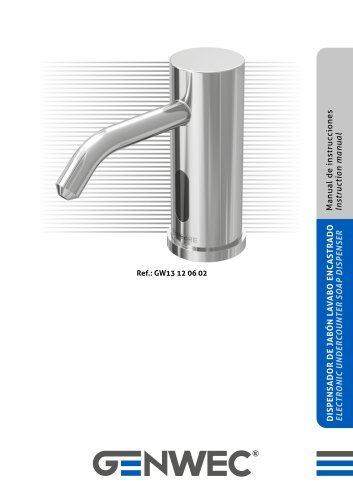 GW13 12 06 02
16 Pages
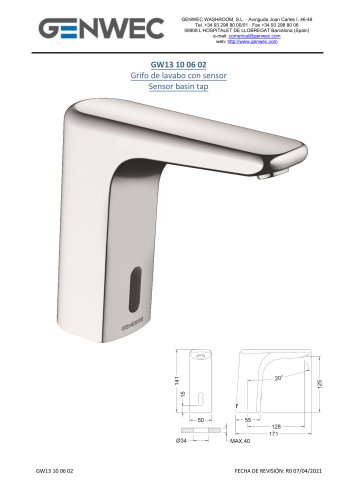 GW13 10 06 02
5 Pages
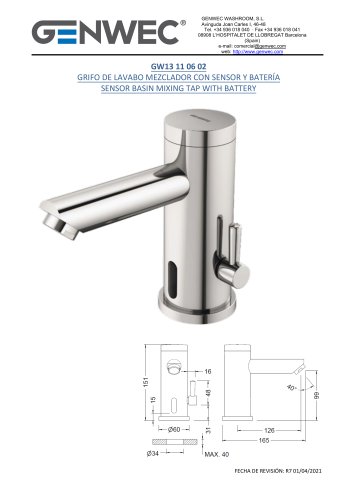 GW13 11 06 02
7 Pages
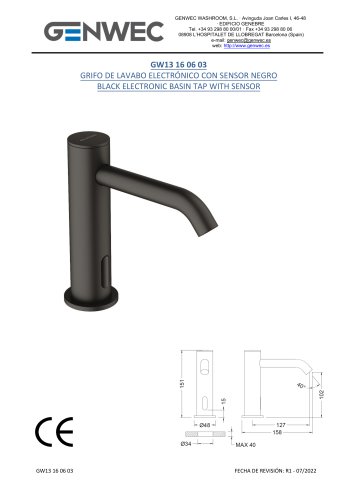 GW13 16 06 03
6 Pages
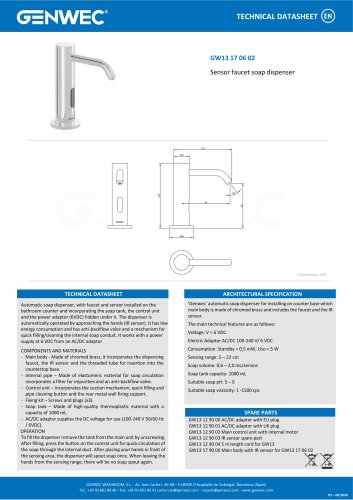 GW13 17 06 02
1 Page
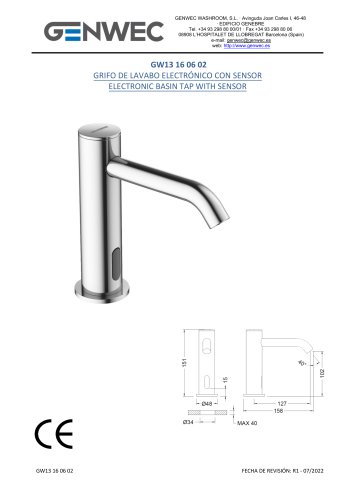 GW13 16 06 02
6 Pages
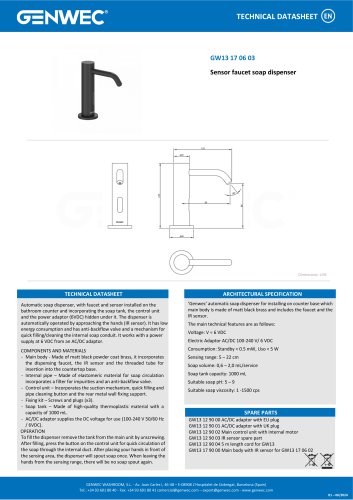 GW13 17 06 03
1 Page
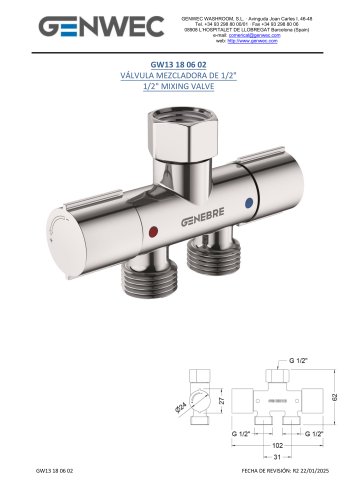 GW13 18 06 02
5 Pages
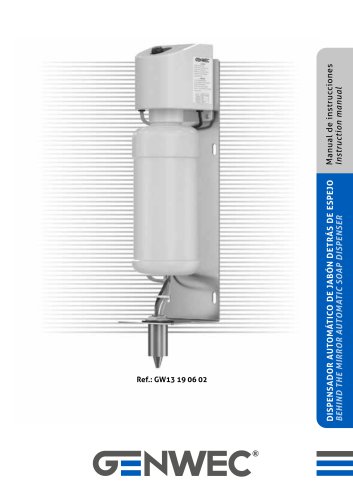 nstruction manual GW13 19 06 02
12 Pages
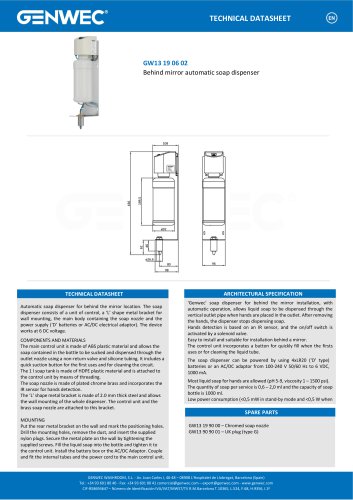 GW13 19 06 02
1 Page
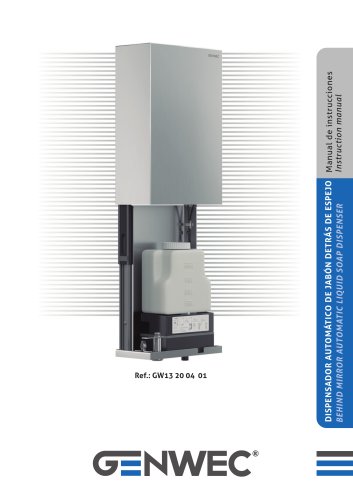 GW13 20 04 01
12 Pages
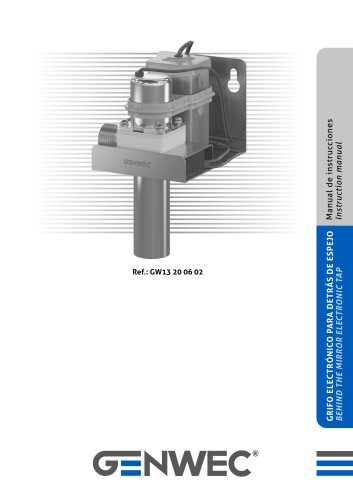 GW13 20 06 02
8 Pages
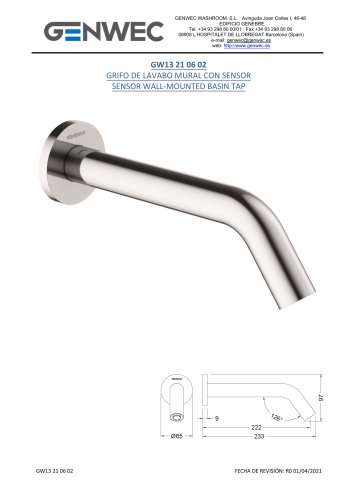 GW13 21 06 02
6 Pages
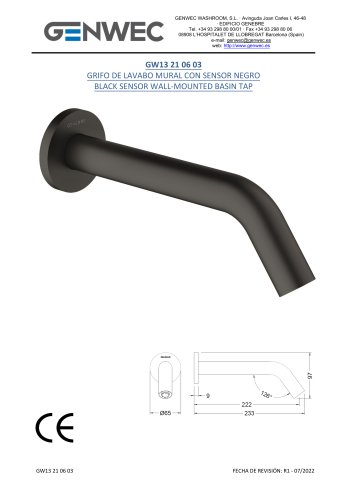 GW13 21 06 03
6 Pages
 GW12 01 04 05
8 Pages
 GW12 02 04 05
8 Pages
 GW12 02 03 05
8 Pages
 GW12 03 03 05
8 Pages
 GW12 03 04 05
8 Pages
 GW12 04 03 05
12 Pages
 GW12 04 04 05
12 Pages
 GW12 05 03 05
12 Pages
 nstruction manual GW12 05 04 05
12 Pages
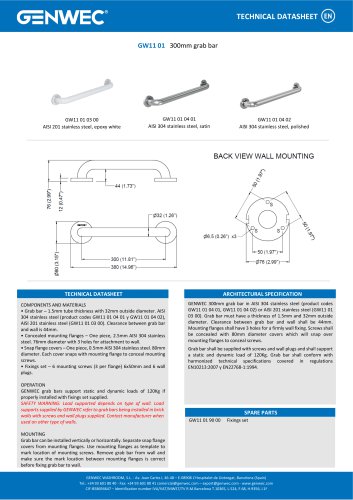 GW11 01 300mm grab bar
1 Page
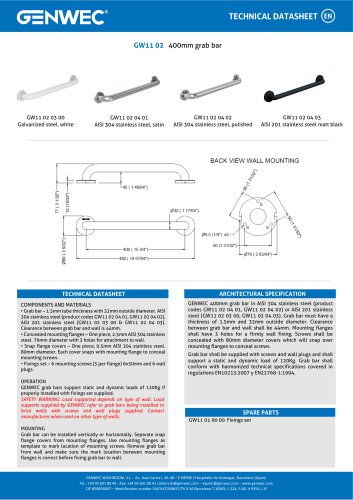 GW11 02 400mm grab bar
1 Page
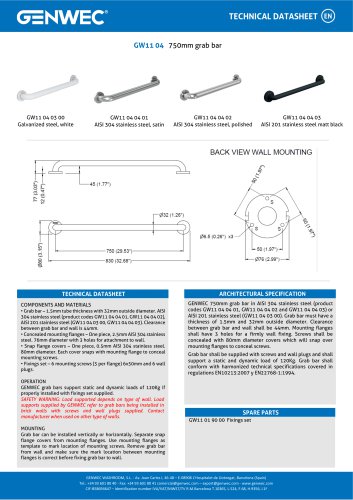 GW11 04 04 03
1 Page
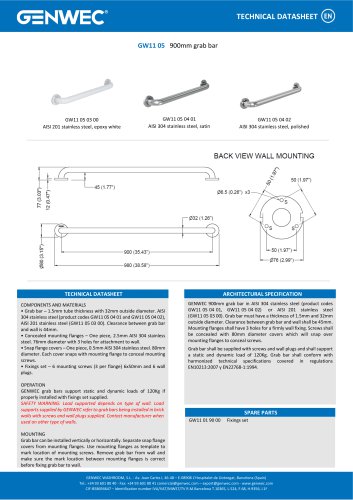 GW11 05 900mm grab bar
1 Page
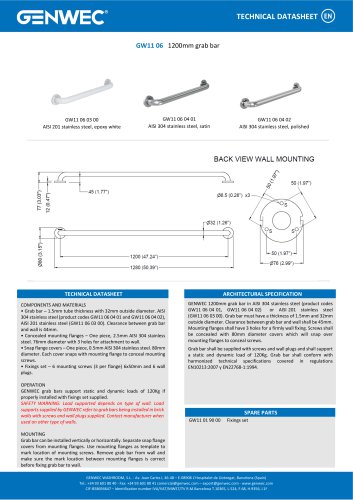 GW11 06 03 00
1 Page
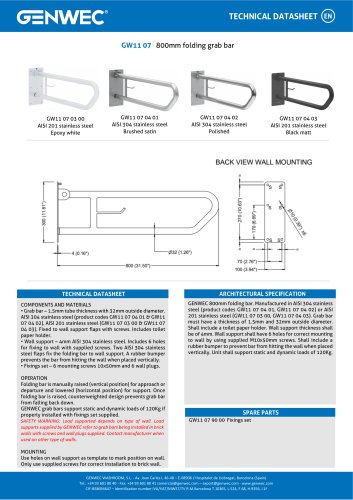 GW11 07 04 02
1 Page
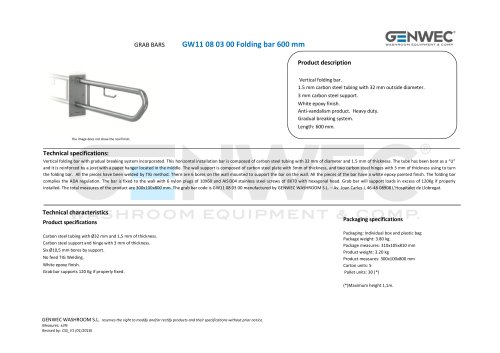 GW11 08 03 00
3 Pages
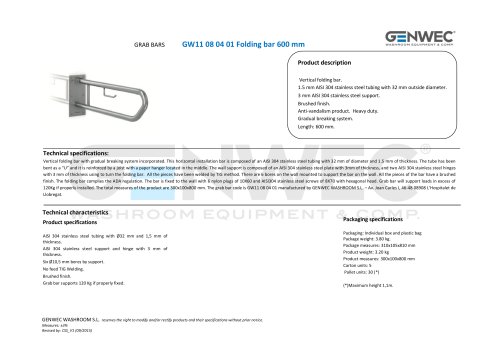 GW11 08 04 01
3 Pages
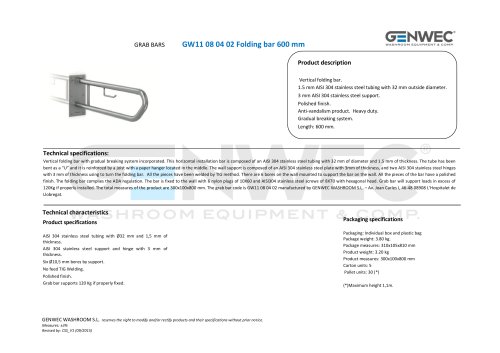 GW11 08 04 02
3 Pages
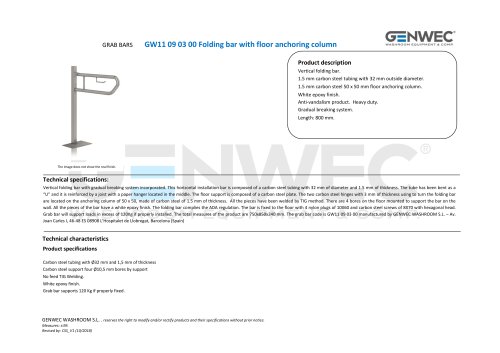 GW11 09 03 00
3 Pages
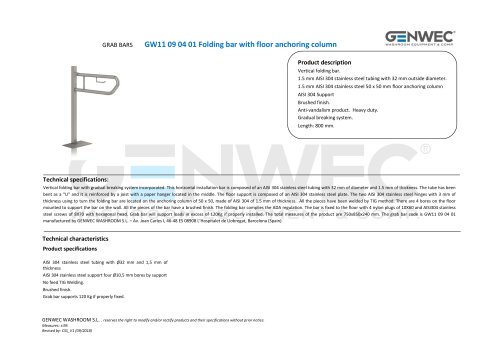 GW11 09 04 01
3 Pages
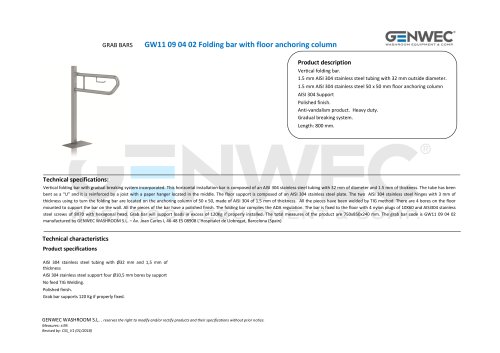 GW11 09 04 02
3 Pages
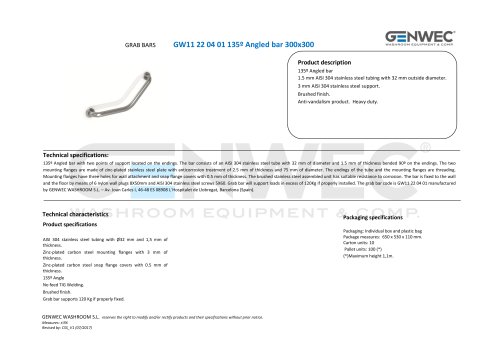 GW11 22 04 01
2 Pages
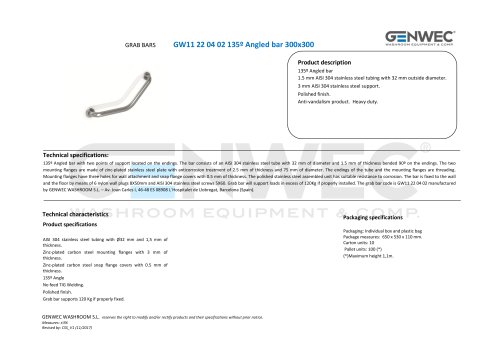 GW11 22 04 02
2 Pages
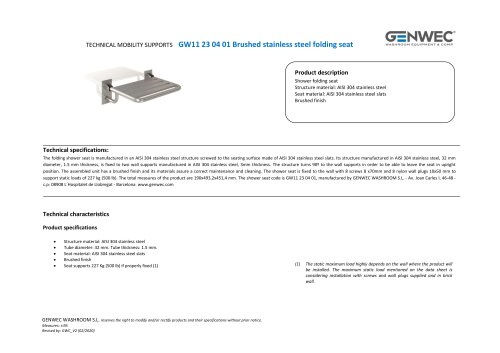 GW11 23 04 01
3 Pages
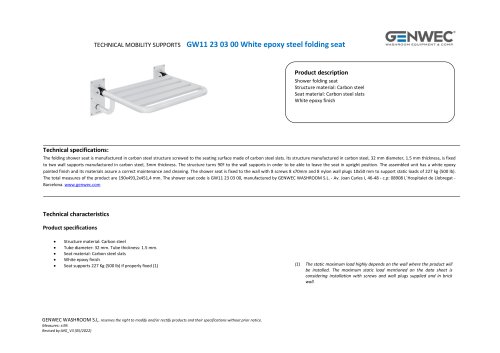 GW11 23 03 00
3 Pages
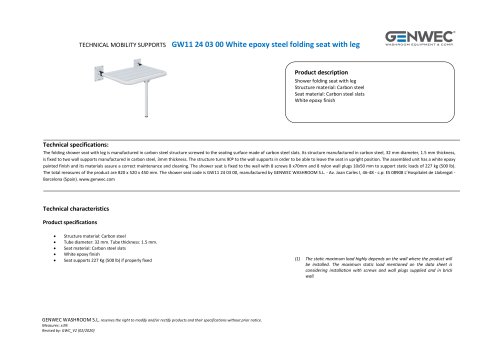 GW11 24 03 00
3 Pages
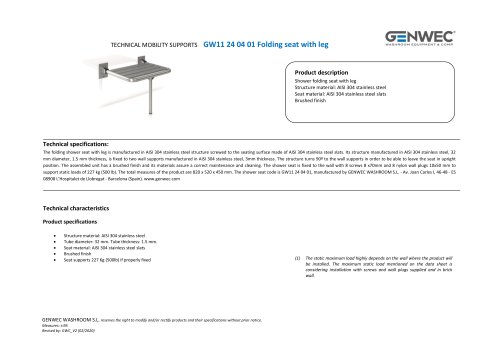 GW11 24 04 01
3 Pages
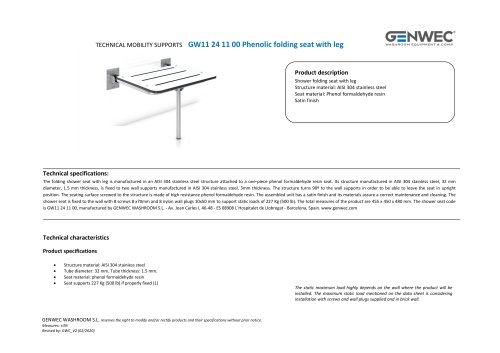 GW11 24 11 00
3 Pages
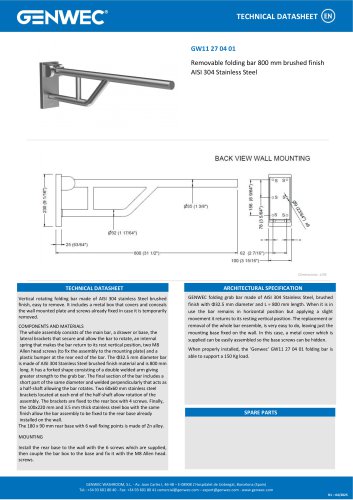 GW11 27 04 01
1 Page
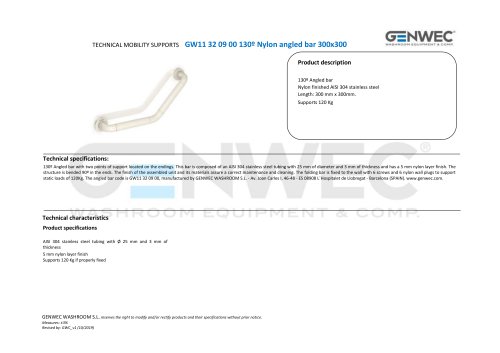 GW11 32 09 00
2 Pages
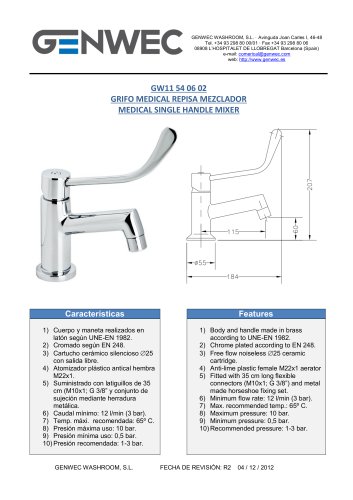 GW11 54 06 02
1 Page
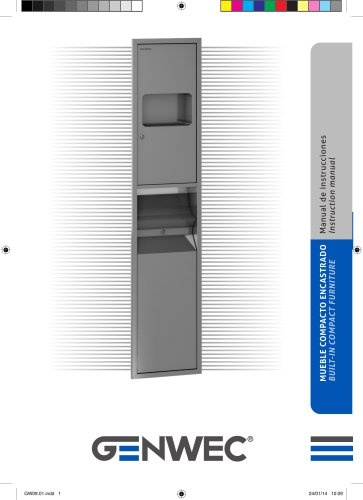 GW09 01 04 01
8 Pages
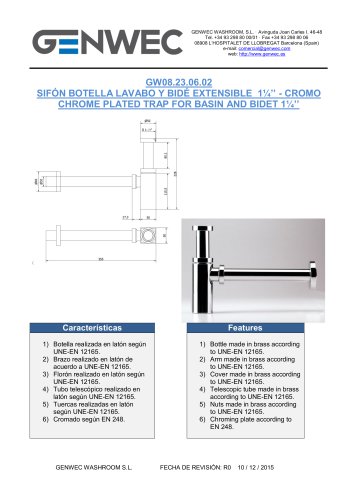 GW08 23 06 02
1 Page
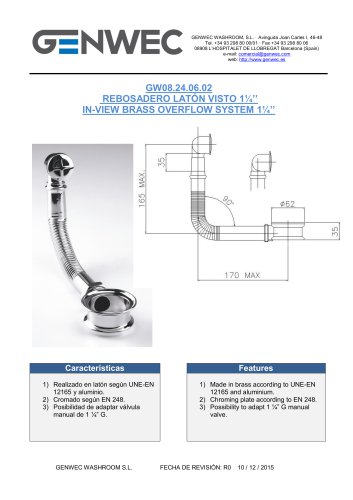 GW08 24 06 02
1 Page
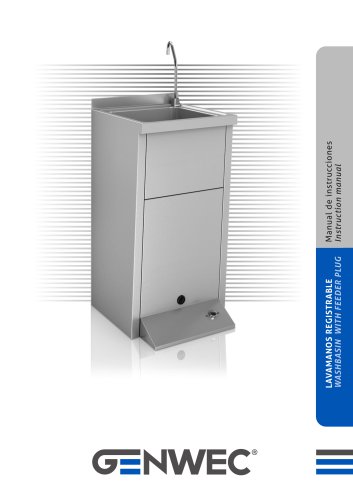 GW08 50 04 01
12 Pages
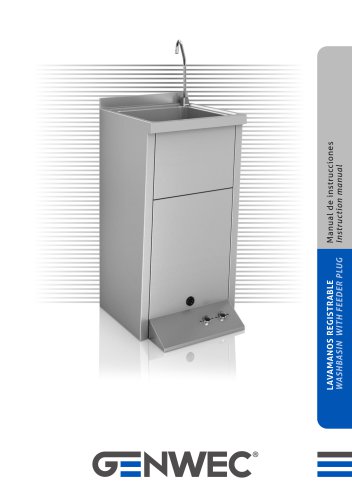 GW08 51 04 01
12 Pages
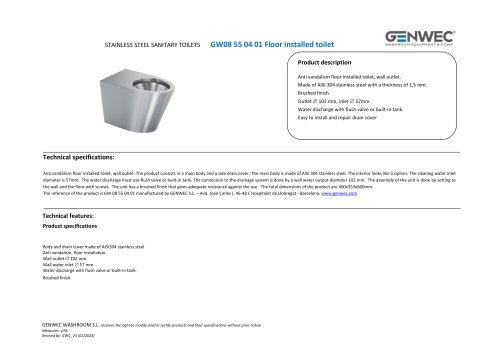 GW08 55 04 01
2 Pages
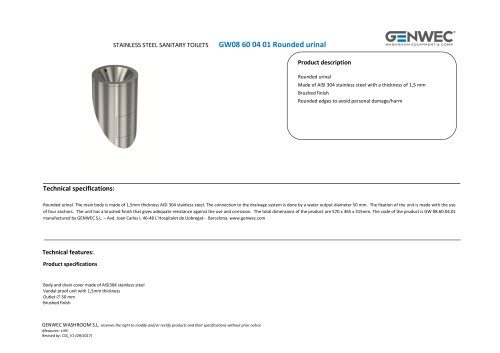 GW08 60 04 01 Rounded urinal
2 Pages
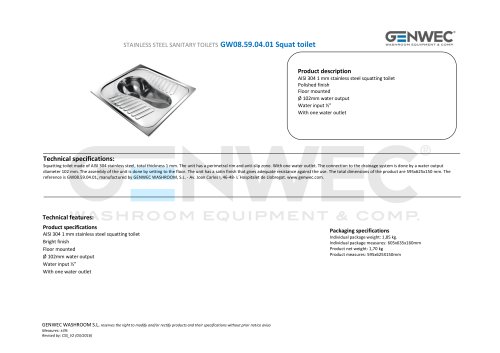 GW08.59.04.01 Squat toilet
2 Pages
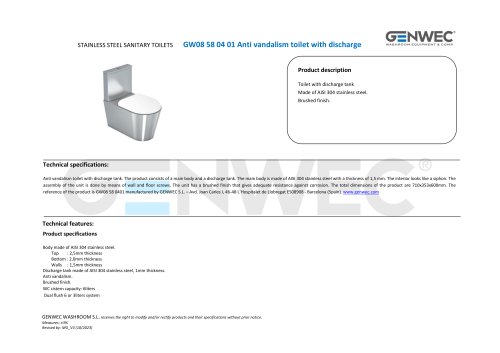 GW08 58 04 01
2 Pages
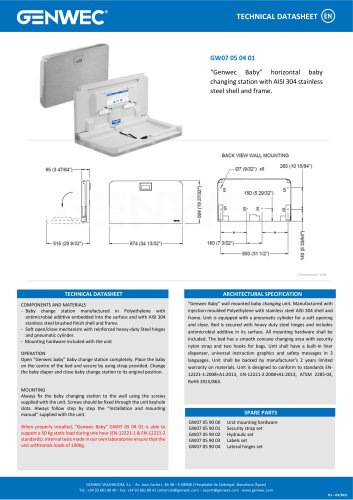 GW07 05 04 01
1 Page
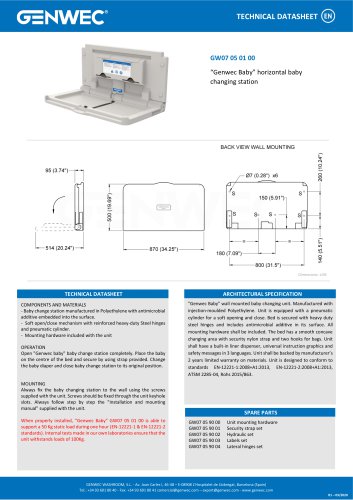 GW07 05 01 00
1 Page
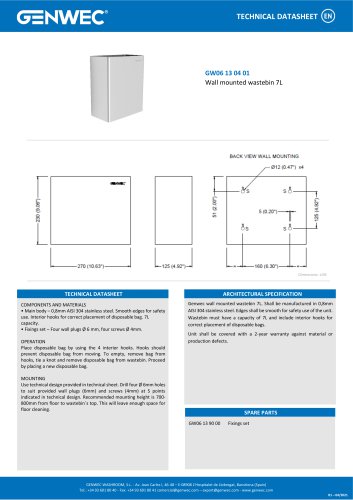 GW06 13 04 01
1 Page
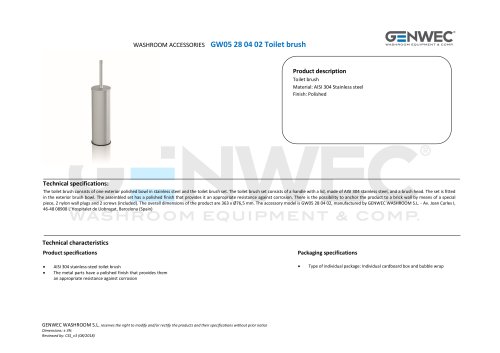 GW05 28 04 02 Toilet brush
2 Pages
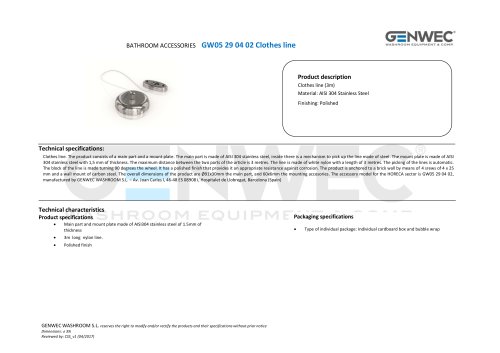 GW05 29 04 02 Clothes line
2 Pages
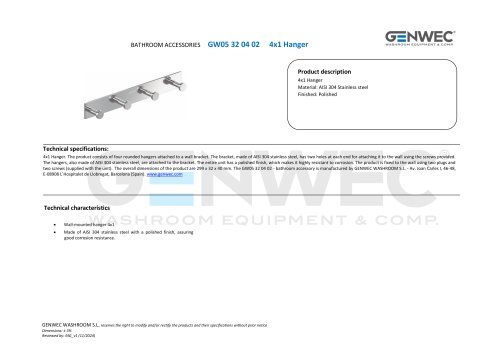 GW05 32 04 02
2 Pages
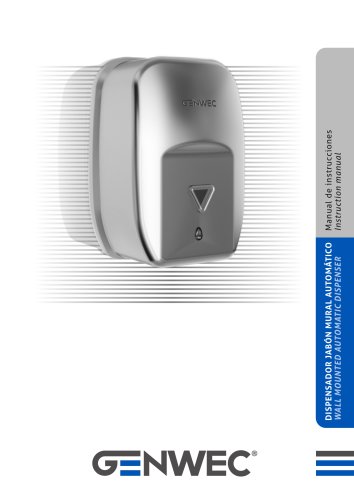 GW04 20 04 01
8 Pages
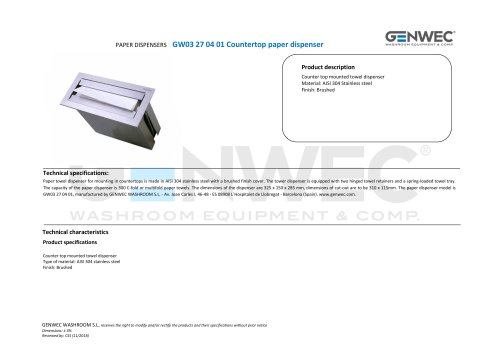 GW03 27 04 01
2 Pages
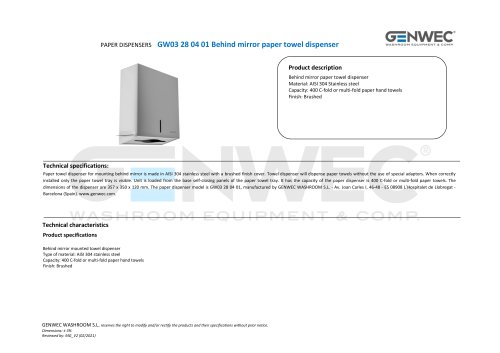 GW03 28 04 01
2 Pages
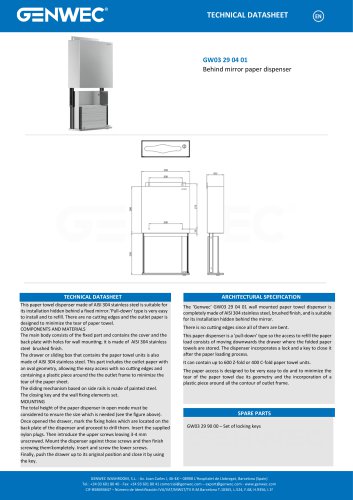 GW03 29 04 01
1 Page
 GW02 08 01 03
8 Pages
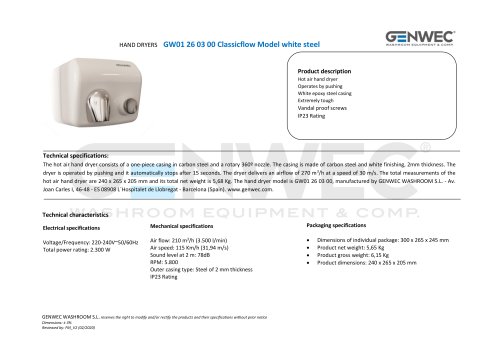 GW01 26 03 00
2 Pages
 GW01 26 04 01
2 Pages
 GW01 26 04 02
2 Pages
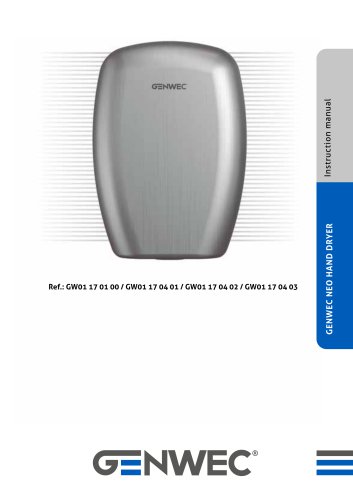 GW01 17 Installation Manual
71 Pages
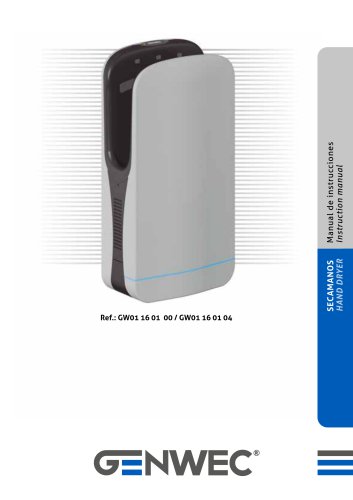 GW01 16 01 00
20 Pages
 GW03 20 01 00 ABS
2 Pages
 GW03 19 01 04 ABS
2 Pages
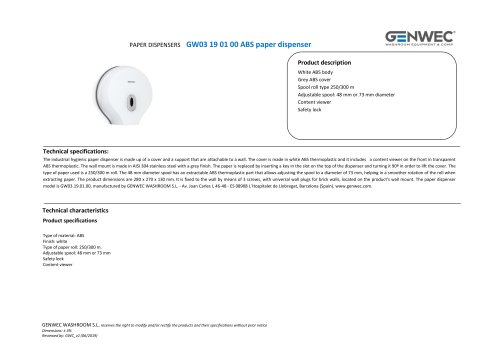 GW03 19 01 00 ABS
2 Pages
 GW03 19 01 00
2 Pages
 GW03 18 01 04
2 Pages
 GW03 18 01 00
2 Pages
 GW03 27 04 01
2 Pages
 GW03 16 04 02
2 Pages
 GW03 24 04 01
2 Pages
 GW03 04 04 02
2 Pages
 GW03 04 04 01
2 Pages
 GW03 11 04 02
2 Pages
 GW03 10 04 02
2 Pages
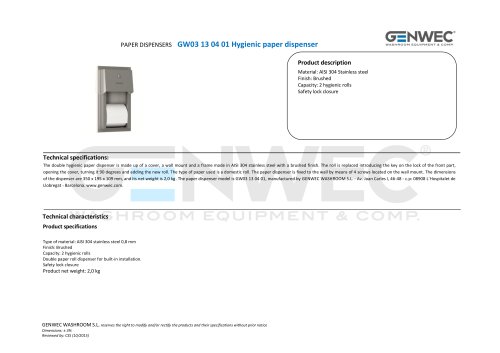 GW03 13 04 01
2 Pages
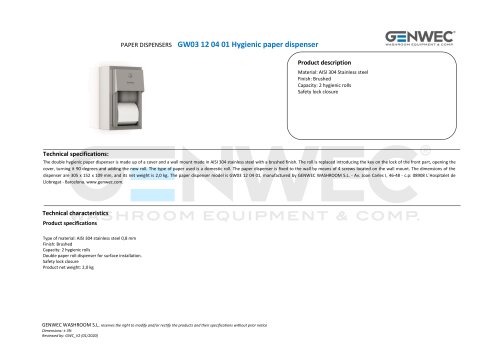 GW03 12 04 01
2 Pages
 GW03 10 04 01
2 Pages
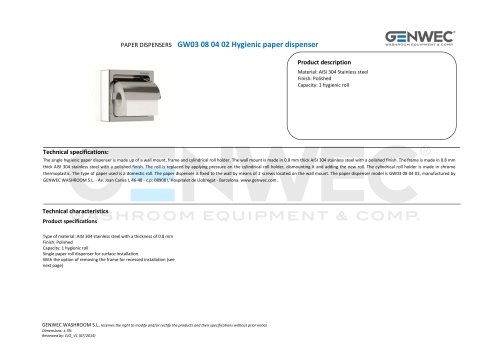 GW03 08 04 02
2 Pages
 GW03 28 04 01
2 Pages
 GW02 01 01 00 Hair dryer
1 Page
 GW01 40 FALCON series
2 Pages
 gw03 02
1 Page
 gw03 05
1 Page
 GW04 16 01 00SM
1 Page






- Industrial tap
- Mixer faucet
- Indoor mixer tap
- Wash stand
- Contemporary wash basin
- Bathroom single-handle faucet
- Metal mixer tap
- Contemporary single-handle mixer tap
- Washbasin tap
- 1-hole single-handle faucet
- Countertop single-handle mixer tap
- Lavatory mixer tap
- Lever mixer tap
- Industrial dust-bin
- Contemporary litter bin
- Shelves
- Contemporary shelves
- Commercial bin
- Rectangular sink
- Commercial mixer tap