


Zifra brochure
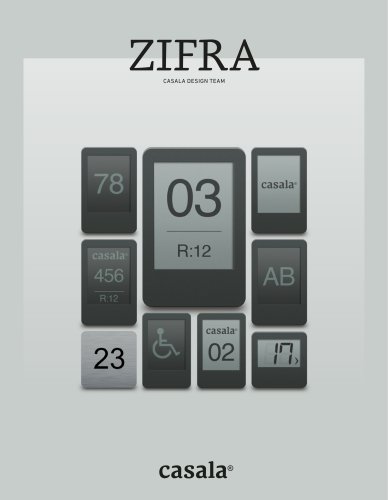
Zifra brochure
Catalog excerpts

CASALA DESIGN TEAM
Open the catalog to page 1
ZIFRA BATTERY-FREE CHAIR NUMBERING CASALA DESIGN TEAM DESIGN LINKED TO FUNCTIONALITY CASALA ZIFRA Casala specialises in the production of stylish contract furniture that excels in both design and functionality. "Design linked to Functionality" is deeply rooted within our DNA and plays a major role in the design process. We work together with leading designers in our industry. A hundred years of experience in furniture guarantees that Casala furniture offers a lot of comfort and ease of use in addition to high quality. Zifra is the world’s most innovative display system without batteries, that...
Open the catalog to page 2
CASALA ZIFRA High Resolution display / Information on demand via QR / Fast data transfer USER-FRIENDLY REMOTE CONTROL CASALA ZIFRA SEAMLESS INTEGRATION INTO A PLASTIC, UPHOLSTERED, WOODEN OR HPL BACKREST LYNX & ZIFRA <6 German Design Award red design awardwinner x* jut ret innovation m award winner awardwinner For more information visit: WWW.CHAIRNUMBERING.COM
Open the catalog to page 3
ZIFRA ZIFRA ZIFRA SAVES ENERGY! ZIFRA OPERATES WITHOUT BATTERIES. THEREFORE NO ENERGY IS WASTED AND THERE IS NO NEED TO REPLACE ANY BATTERIES. ZIFRA USES STATE OF THE ART E-PAPER TECHNOLOGY SUPPLIED BY MARKET LEADER E-INK CASALA ZIFRA THE DISPLAY IS CLEAR E-PAPER WHICH ENABLES THE VISITOR TO READ THE TAGS IN AREAS WHERE THE LIGHTS ARE DIMMED Zifra’s programming is quick and easy with the remote control. Zifra has a unique technology with battery-free display, meaning no energy is used for display, and due to the contactless programming the display is maintenance-free. The Zifra numbering system...
Open the catalog to page 4
NO. 1 IN DISPLAY OPTIONS With the unparalleled range of innovative display options Zifra can be adapted to any imaginable room lay-out. In addition, individual adaptation to your situation is possible. Whatever your event, with Zifra the visitors always find their seat and a clear layout is guaranteed. CASALA ZIFRA CASALA ZIFRA ZIFRA II Door het ongeëvenaarde scala aan innovatieve weergave opties is Zifra af te stemmen op iedere denkbare zaalopstelling. Daarnaast is individuele afstemming op uw situatie mogelijk. Welk evenement u ook organiseert, met Zifra vindt de bezoeker altijd zijn juiste...
Open the catalog to page 5
De Zifra displays worden naadloos geïntegreerd in een kunststof, houten en gestoffeerde rugleuning. Hierdoor vormt Zifra met al deze materialen een elegant geheel. Door het dunne design van Zifra behoudt bovendien elke stoel zijn zitcomfort; tijdens het zitten voelt de gebruiker van de stoel het display niet. Die Zifra-Displays werden oberflächenbündig nahtlos in Kunststoff-, Holz- und gepolsterte Rückenlehnen integriert. Dadurch bildet Zifra zusammen mit diesen Materialien eine elegante Einheit. Durch das flache Design von Zifra behält jeder Stuhl seinen Sitzkomfort; Während des Sitzens spürt...
Open the catalog to page 6
CASALA ZIFRA CASALA ZIFRA
Open the catalog to page 7
ZIFRA I - USER MANUAL ZIFRA I - USER MANUAL ZIFRA I USER MANUAL CASALA ZIFRA CASALA ZIFRA TRANSMITTER REPLACE BATTERY ON/OFF BUTTON HAND STRAP CONTROL PANEL 3X BATTERY (AAA 1,5V)
Open the catalog to page 8
ZIFRA I - USER MANUAL 1. Switch remote control on by pressing the button at the right side of the remote control 2. Press the desired number to start with (example 01) 3. Select the method of numbering: ascending / descending 4. Hold the remote control in front of the Zifra tag 5. The transfer will be confirmed with a beep 6. The remote control automatically shows the next number 7. Hold the remote control in front of the next tag to automatically program the next chair 1. When the remote control is turned on press up and down ( / ) at the same time to enter the SP special mode 2. Press nr 4...
Open the catalog to page 9
ZIFRA II - USER MANUAL ZIFRA II - USER MANUAL ZIFRA II USER MANUAL CASALA ZIFRA CASALA ZIFRA REPLACE BATTERY ON/OFF BUTTON HAND STRAP CONTROL PANEL 3X BATTERY (AAA 1,5V)
Open the catalog to page 10
ZIFRA II - USER MANUAL Function 1 Set tag in clear display modus Function 2 Switch tag background between black & white Function 5 Displaying a logo and a chair number Function 6 Displaying logo, chair and row number 1. In the main menu press 1 to choose the function Display off 2. The display in the remote control now shows: Display off 3. Press the 0 button (which functions as Enter) to confirm your choice 4. Hold the remote control in front of the Zifra tag 5. The transfer will be confirmed with a beep 6. Hold the remote control to the next tag to repeat the programming 1. In the main menu...
Open the catalog to page 11
ZIFRA II - USER MANUAL ZIFRA II - USER MANUAL Function 8 Displaying a letter(s) Function 9 Allowing inclination by programming 2/4/6, 3/5/7 Function 10 Reset modus for programming faults 1. n the main menu press 7 to choose the function logo or sign I 2. sub menu opens in which you need to choose logo (1) or sign (2) A (example press 1) 3. Select the right logo that you would like to show by pressing up or down ( / ) the display only shows the logos when they are in the correct size. The software on your PC also shows these logos in the preview modus. 4. Press the 0 button (which functions as...
Open the catalog to page 12
ZIFRA II - USER MANUAL ZIFRA II - USER MANUAL CREATING YOUR LOGO’S FOR ZIFRA II CHANGE LOGOS IN REMOTE CONTROL PRODUCT ADVANTAGES - SOFTWARE LOGO SIZES LOGO CHARACTERISTICS • The PC software is very user friendly and easy to understand. The creation of logos is done in pixels. The pixels of the tag correspond exactly with the pixels on your computer screen. 1. Install the Zifra PC software on your PC (or laptop) Name of file: Casala - Zifra II Remote Control. • It enables uploading up to 30 logos or signs in the remote control at the same time. There are two logo sizes which are accepted in the...
Open the catalog to page 13
SHOWROOMS Casala Meubelen Nederland bv Rolweg 10 4104 AV Culemborg The Netherlands +31 (0)345 51 73 88 [email protected] Palau Cruquiusweg 111m 1019 AG Amsterdam The Netherlands +31 (0)20 463 39 80 [email protected] Casala Objektmobel GmbH MagirusstraOe 16 31867 Lauenau Germany + 49 (0)5043 71 0 [email protected] Casala Ltd 2 Sycamore Street Clerkenwell, EC1Y 0SF © Photography London Chris van Koeverden 4, 12, 16 United Kingdom Jacob Johannes Buchard: 26 +44 (0)20 3958 0058 [email protected] © Casala Meubelen Nederland B.V. All copyrights and intellectual property rights in this publication are the...
Open the catalog to page 14All Casala catalogs and technical brochures
 Casala premieres 2025
13 Pages
 Inspiration book
85 Pages
 Casala Room-in-room solutions
29 Pages
Archived catalogs
 Casala premieres 2023
27 Pages
 Casala Inspiration book 2021
78 Pages
 Casala product overview
2 Pages
 Casala Circular
25 Pages
 Casala Reference book 2020
37 Pages
 Premieres 2018
19 Pages
 Axa brochure
11 Pages
 Bricks brochure
21 Pages
 Casalino brochure
9 Pages
 Class brochure
9 Pages
 Zeta brochure
7 Pages
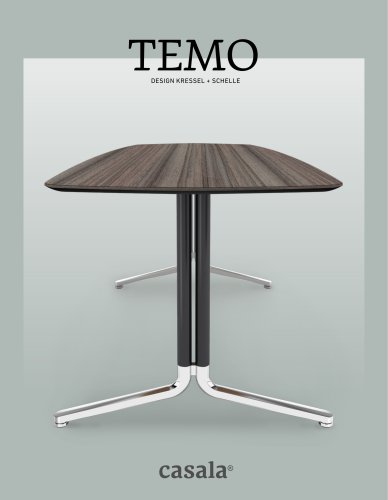 Temo brochure
15 Pages
 Siësta brochure
7 Pages
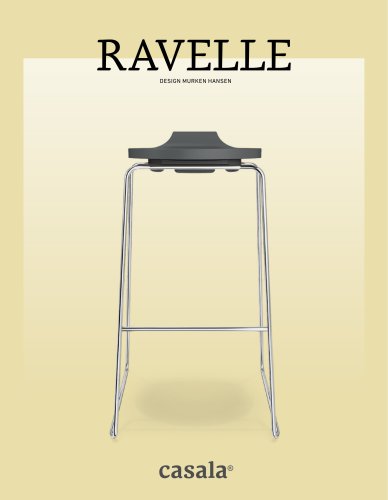 Ravelle brochure
9 Pages
 Noa brochure
13 Pages
 Leon brochure
11 Pages
 Monolink brochure
9 Pages
 Lynx brochure
21 Pages
 Labda brochure
7 Pages
 Lacrosse brochure
11 Pages
 Onyx brochure
13 Pages
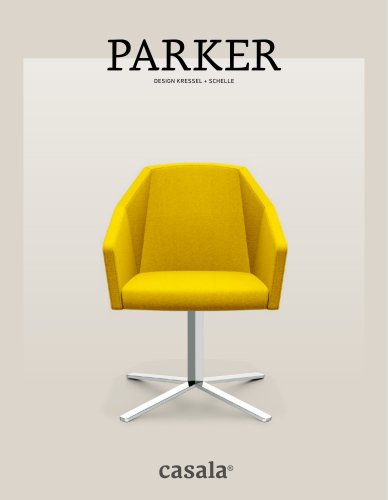 Parker brochure
15 Pages
 Sina brochure
7 Pages
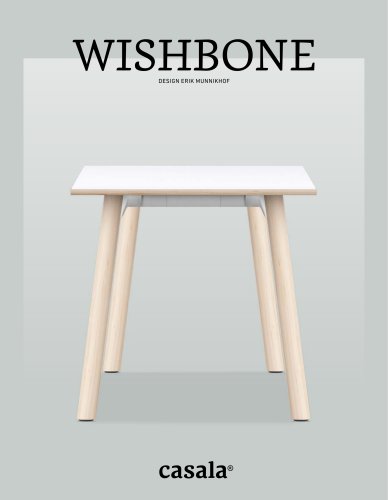 Wishbone brochure
11 Pages
 Woody brochure
8 Pages
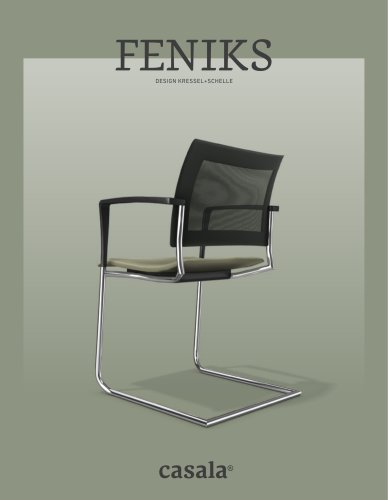 Feniks brochure
17 Pages
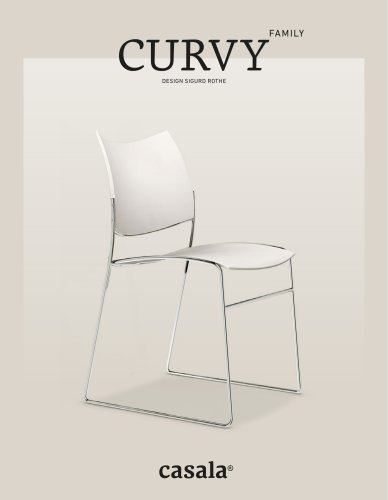 Curvy brochure
31 Pages
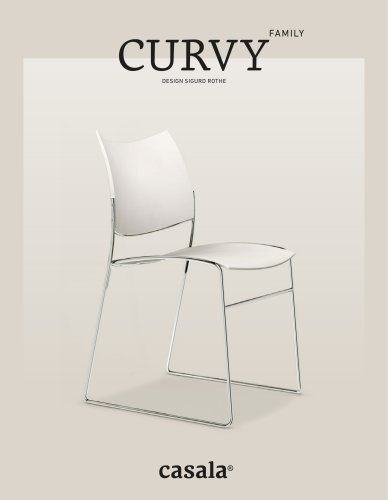 Cobra brochure
31 Pages
 Carver brochure
31 Pages
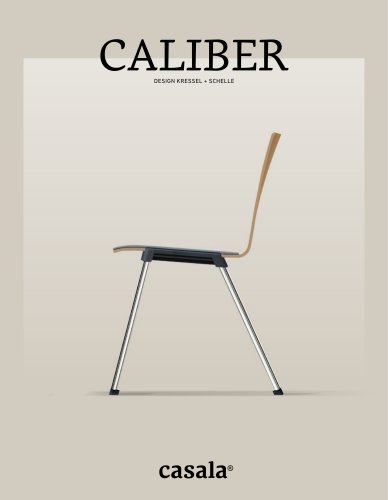 Caliber brochure
13 Pages
 Worship brochure
15 Pages
 Hospitality brochure
13 Pages
 Healthcare brochure
15 Pages
 Education brochure
17 Pages
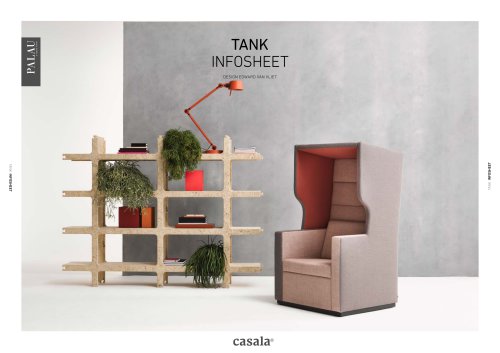 Tank infosheet
5 Pages
 Wave infosheet
5 Pages
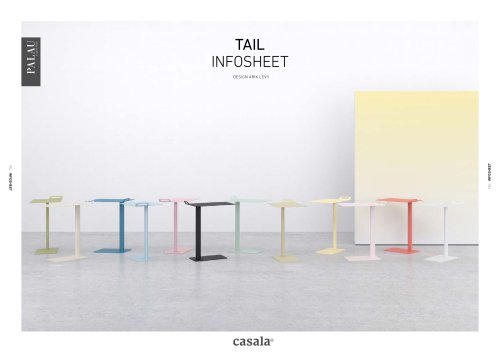 Tail infosheet
5 Pages
 Centuro brochure
15 Pages
 Stream infosheet
7 Pages
 Matrice infosheet
5 Pages
 Kylian infosheet
6 Pages
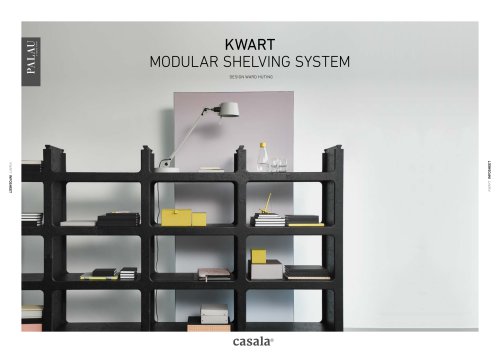 Kwart infosheet
4 Pages
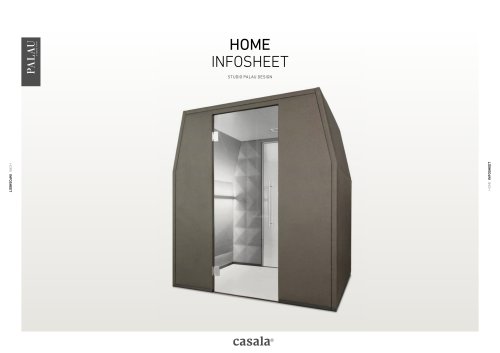 Home infosheet
5 Pages
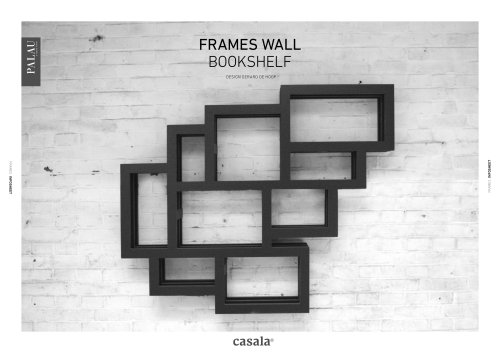 Frames infosheet
4 Pages
 Floyd infosheet
5 Pages
 Fence infosheet
5 Pages
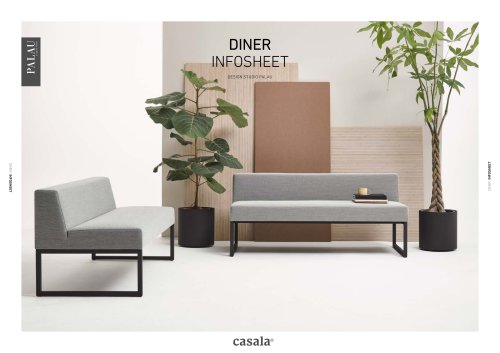 Diner infosheet
5 Pages
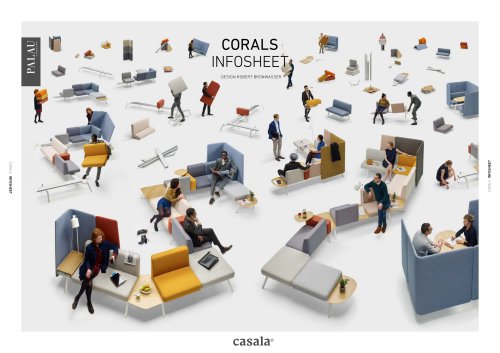 Corals infosheet
5 Pages
 Container Pod infosheet
4 Pages
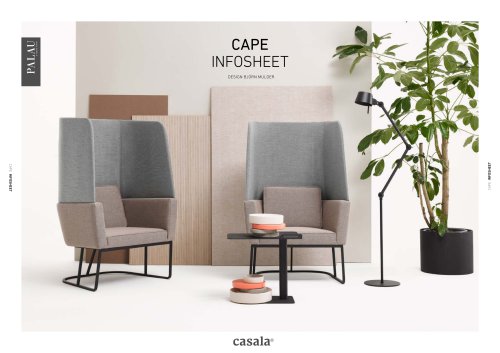 Cape infosheet
5 Pages
 Boston infosheet
4 Pages
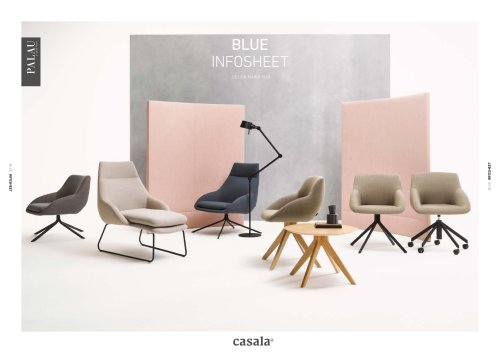 Blue infosheet
6 Pages
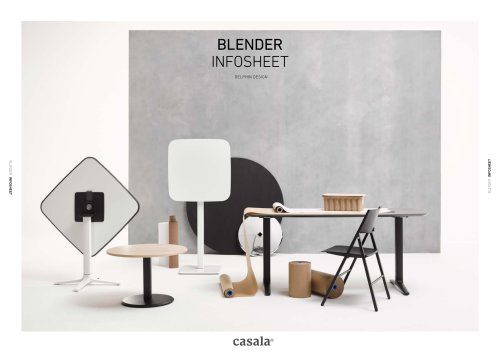 Blender infosheet
8 Pages
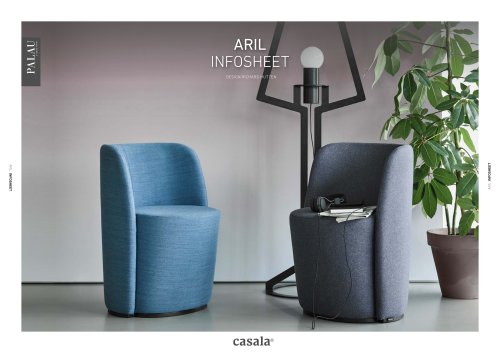 Aril infosheet
4 Pages
 Tune infosheet
5 Pages
 Rama infosheet
5 Pages
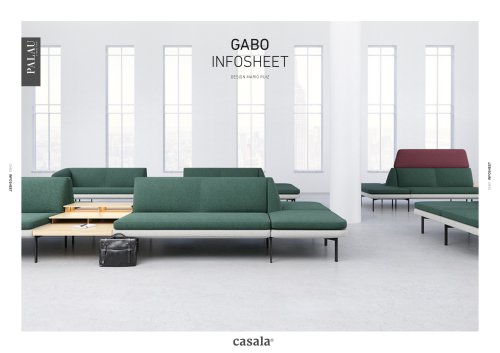 Gabo infosheet
10 Pages
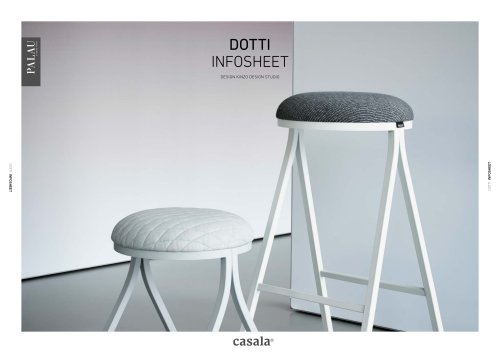 Dotti infosheet
5 Pages
 Office brochure
17 Pages
 Church furniture
2 Pages
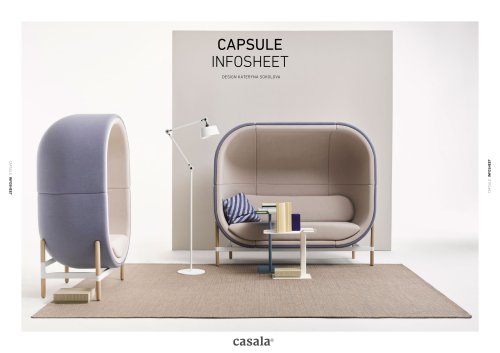 Capsule infosheet
14 Pages
 Train bench infosheet
5 Pages