
- Catalogs
- Breeze Controls
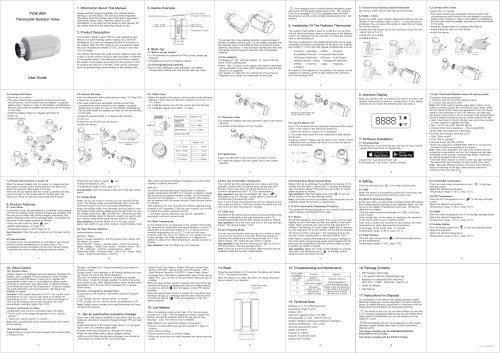
- Breeze BC205Z-T Datasheet

Breeze BC205Z-T Datasheet
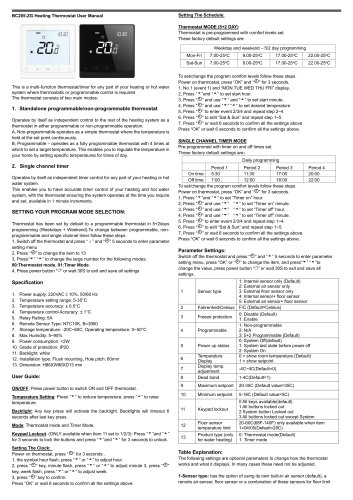
Breeze BC205Z-T Datasheet
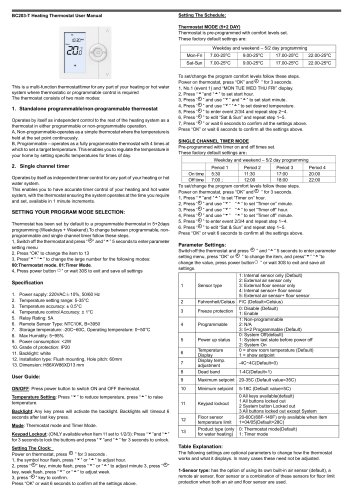
- Standalone Thermostat: Operates independently, available in non-programmable mode (constant temperature) or programmable mode (four time settings for different temperatures).
- Single Channel Timer: Provides precise timer control for heating and hot water systems, adjustable in 1-minute increments.
- Power Supply: 220VAC±10%, 50/60 Hz
- Temperature Range: 5-35°C
- Accuracy: ±0.5°C
- Relay Rating: 5A
- Remote Sensor: NTC10K, B=3950
- Operating Temperature: 0~50°C
- Humidity: Max 95%
- Power Consumption: <2W
- Protection Grade: IP20
- Installation: Flush mounting, 60mm hole pitch
- Power: Use the power button to switch the thermostat on/off.
- Temperature Setting: Adjust using the up/down buttons.
- Backlight: Activates with any key press, times out after 6 seconds.
- Keypad Lockout: Lock/unlock buttons by pressing specific keys for 3 seconds.
- Clock Setting: Adjust hour, minute, and week by pressing designated buttons.
- Thermostat Mode: Pre-programmed comfort levels for weekdays and weekends, adjustable by following specific steps.
- Timer Mode: Pre-programmed on/off times, adjustable similarly to thermostat mode.
- App Download: Available on Apple and Google Play stores.
- Account Registration: Requires email or phone number verification.
- Home Setup: Enter home management details in the app.
- Zigbee Gateway Connection: Connects thermostat to the app via a 2.4G Wi-Fi band.
Catalog excerpts
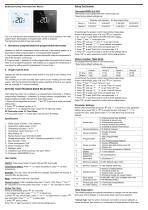
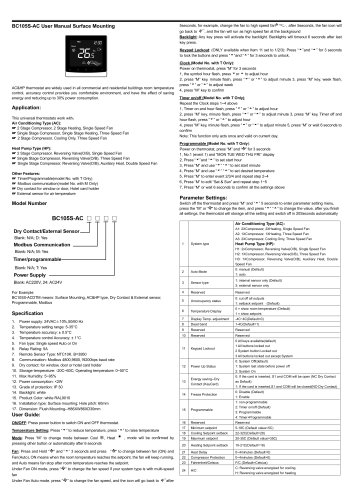
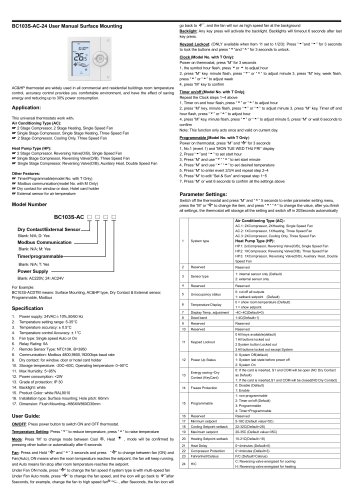
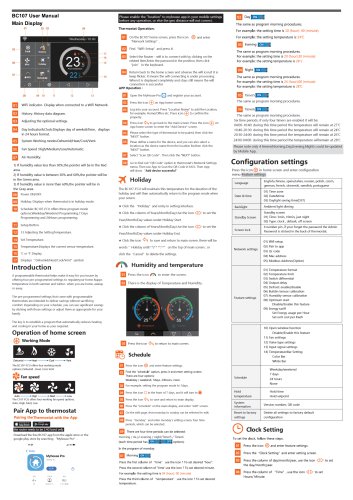
BC205-ZG Heating Thermostat User Manual Weekday and weekend - 5/2 day programming Parameter Settings: Switch off the thermostat and press “.©” and “■*■”5 seconds to enter parameter setting menu, press “OK” or “.©” to change the item, and press"“■‘■’’to change the value, press power button “O” or wait 30S to exit and save all settings. To set/change the program comfort levels follow these steps. Power on thermostat, press “OK” and “.©” for 3 seconds. 1, Press “ ’’and “ ” to set “Timer on” hour. 2, Press “.©” and use to set “Timer on” minute. 3, Press “.©” and use to set “Timer off’ hour. 4, Press “.©” and use “ ” “■*■” to set “Timer off’ minute. 5, Press “.©” to enter event 2/3/4 and repeat step 1~4. 6, Press “.©” to edit “Sat & Sun” and repeat step 1~5. 7, Press “.©” or wait 6 seconds to confirm all the settings above. Press “OK” or wait 6 seconds to confirm all the settings above. The following settings are optional parameters to change how the thermostat works and what it displays. In many cases these need not be adjusted.
Open the catalog to page 1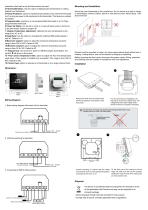
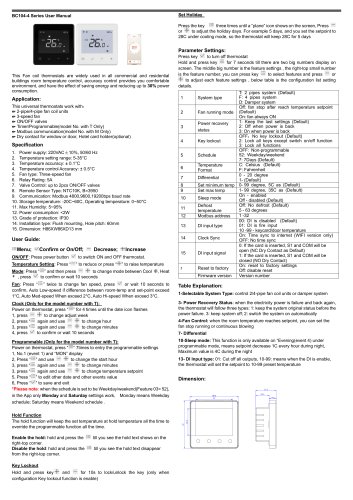
protection when both an air and floor sensor are used. 2-Fahrenheit/Celsius: has the option of displaying the temperature in Celsius (default) and Fahrenheit. 3-Freeze Protection: option to maintain frost protection even when the thermostat is off, as long as power is still maintained to the thermostat. This feature is enabled by Disable. 4-Programmable: operate as a non-programmable thermostat or a 5+2 Days programmable thermostat 5-Power Up Status: can be set to come on or stay off when power is turned on to the thermostat. Default is system off. 7- Display Temperature adjustment: calibrate...
Open the catalog to page 2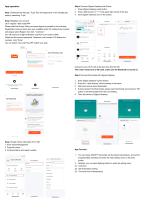
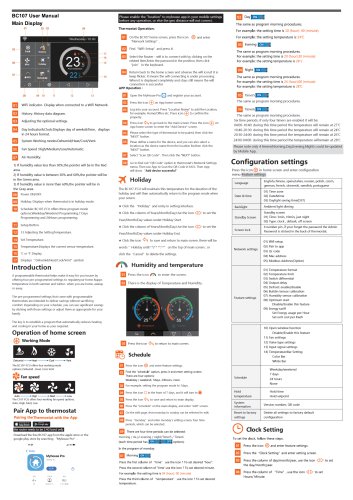
Step 4 Connect Zigbee Gateway with Phone 1. Press Zigbee Gateway reset button 2. Press "Add Device" or "+" in the upper right corner of the app 3. Click Zigbee Gateway Icon on the screen. App operation Step 1 Download the free app “Tuya” from the Apple store or the Google play store by searching “Tuya” Step 2 Register your account Click “register” after install APP Please read the Privacy Policy and press Agree to proceed to the next step. Registration account name uses your available Email Or mobile phone number, and please select Region, then click "Continue” You will receive a 6-digit verification...
Open the catalog to page 3All Breeze Controls catalogs and technical brochures
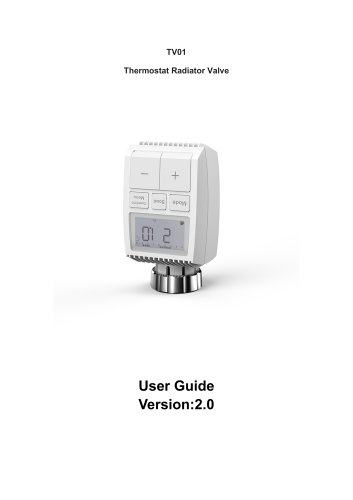 Breeze TV01 Datasheet
18 Pages
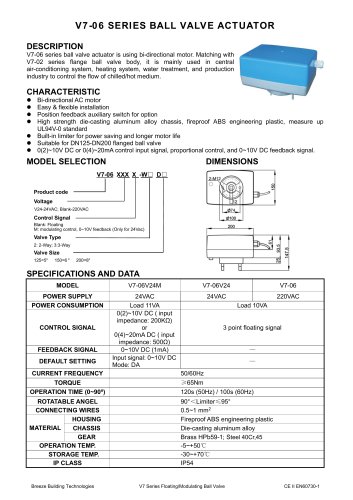 Breeze V7-06 Datasheet
2 Pages
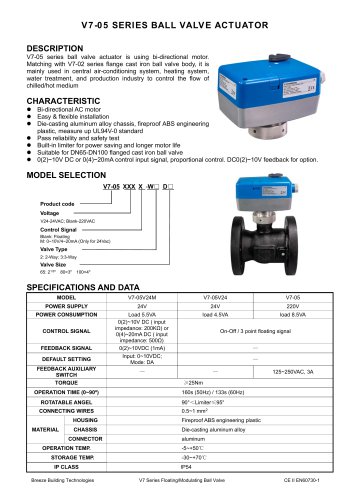 Breeze V7-05 Datasheet
3 Pages
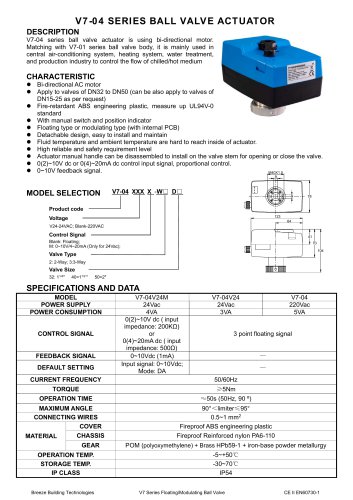 Breeze V7-04 Datasheet
2 Pages
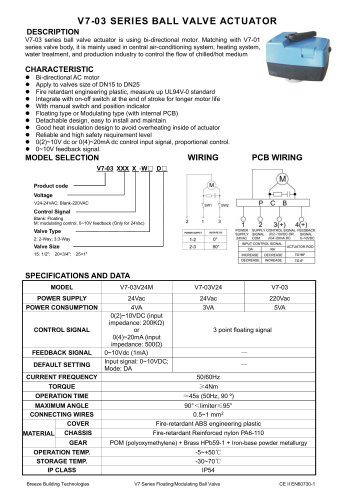 Breeze V7-03 Datasheet
2 Pages
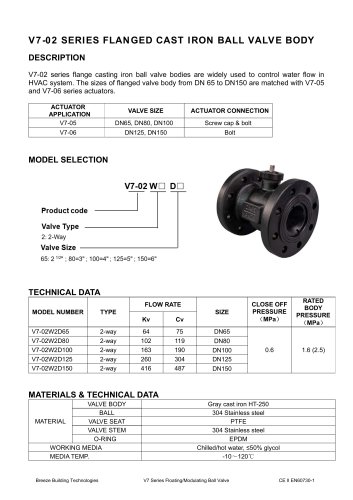 Breeze V7-02 Datasheet
2 Pages
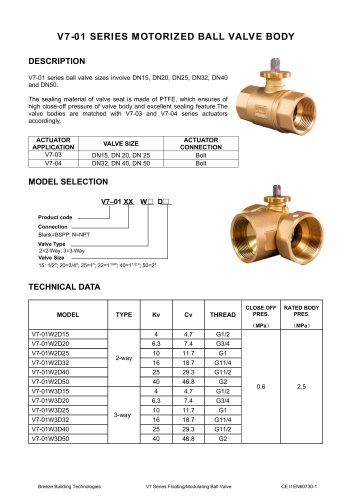 Breeze V7-01 Datasheet
2 Pages
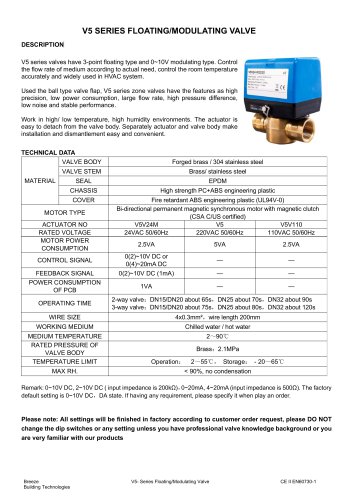 Breeze V5 Datasheet
3 Pages
 Breeze V4 Datasheet
8 Pages
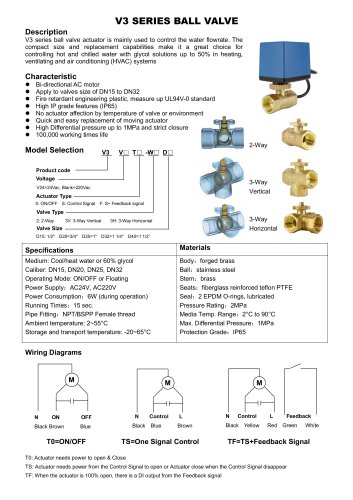 Breeze V3 Datasheet
2 Pages
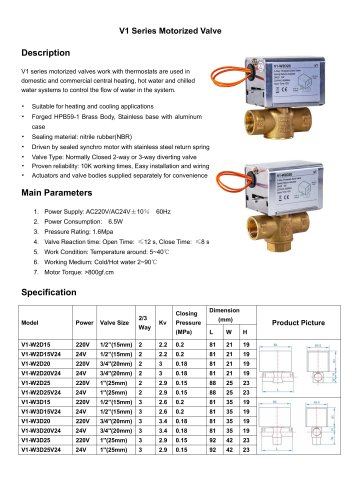 Breeze v1 datasheet
2 Pages
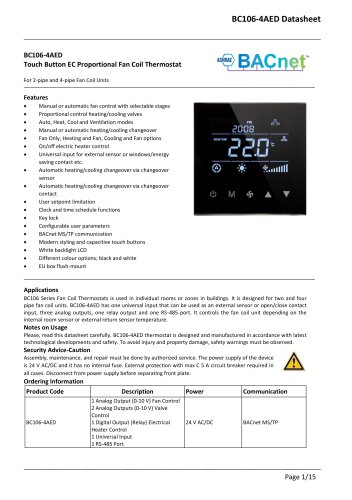 Breeze BC106-4AED Datasheet
15 Pages
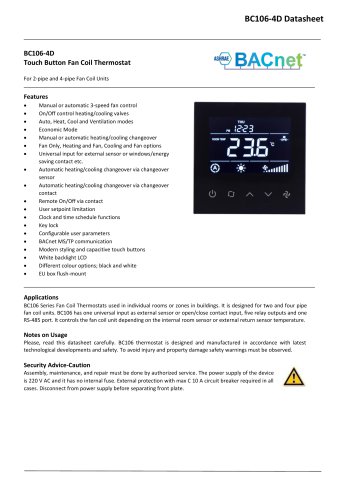 Breeze BC106-4D Datasheet
18 Pages
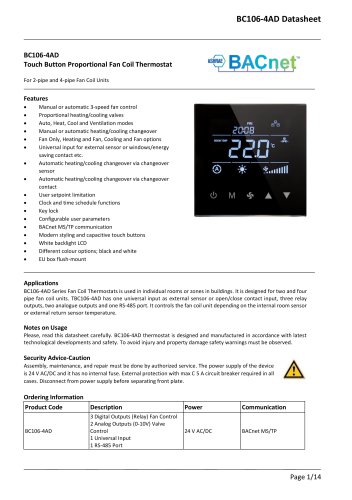 Breeze BC106-4AD Datasheet
14 Pages
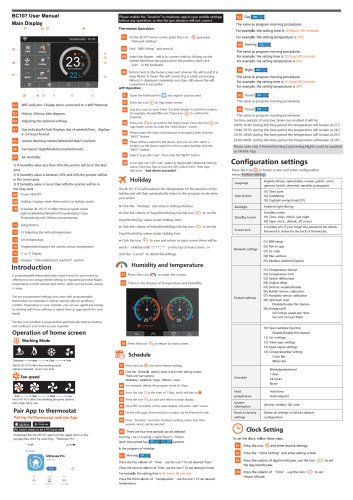 Breeze BC107-2A/4A LoRaWAN
3 Pages
 Breeze BC107-2/4 LoRaWAN
2 Pages
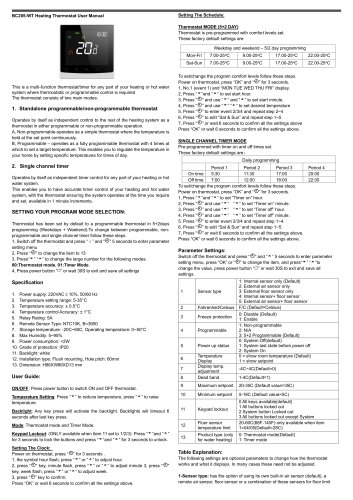 Breeze BC205Z-T Datasheet
3 Pages
 Breeze BC105W-4D Datasheet
3 Pages
 Breeze BC105-AC&HP Datasheet
2 Pages
 Breeze BC103-AC&HP Datasheet
2 Pages
 Breeze BC507 Datasheet
2 Pages
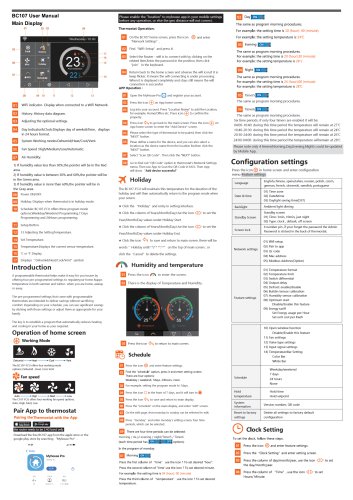 Breeze BC107W-4E Datasheet
3 Pages
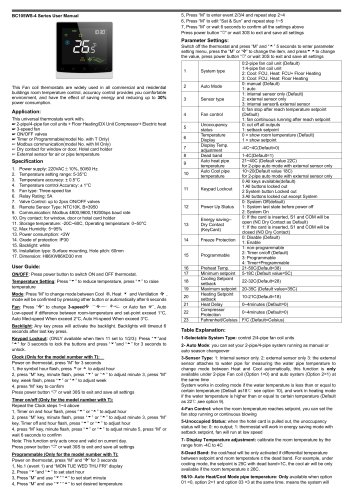 Breeze BC105W-2/4D Datasheet
3 Pages
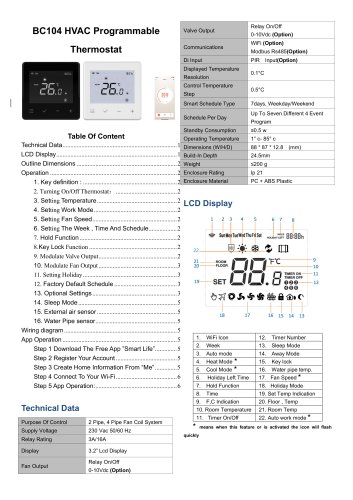 Breeze BC104W-4D Datasheet
6 Pages
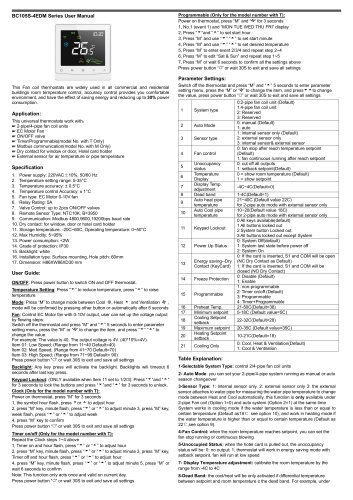 Breeze BC105W-4ED Datasheet
3 Pages
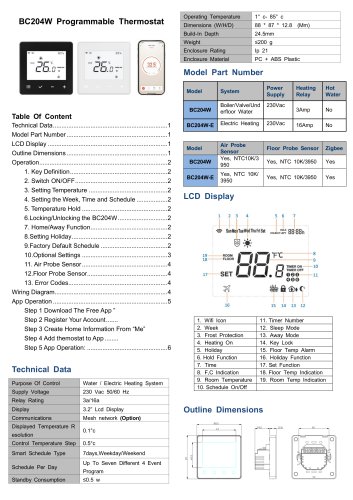 Breeze BC204-E Datasheet
6 Pages
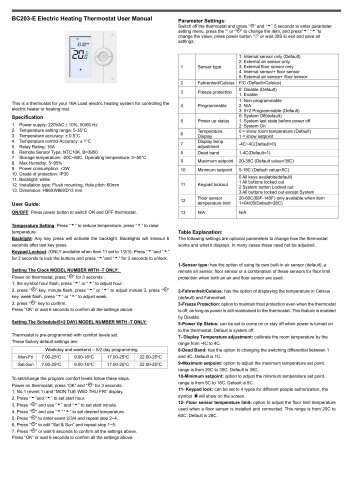 Breeze BC203-E Datasheet
2 Pages
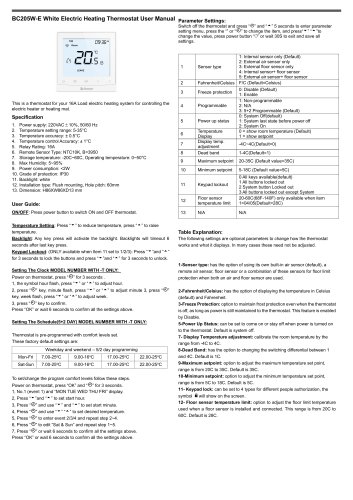 Breeze BC205-E Datasheet
3 Pages
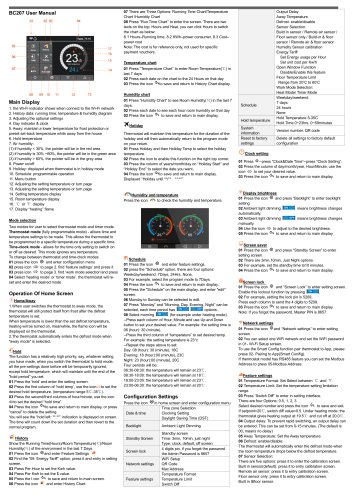 Breeze BC207-E Datasheet
2 Pages
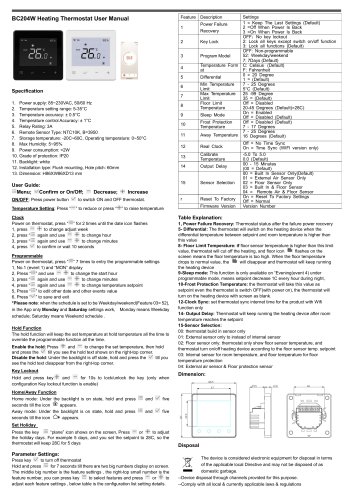 Breeze BC204 Datasheet
2 Pages
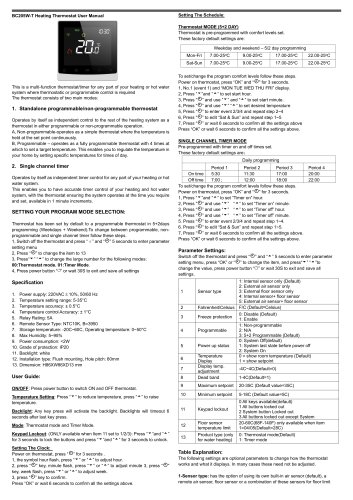 Breeze BC205W Datasheet
3 Pages
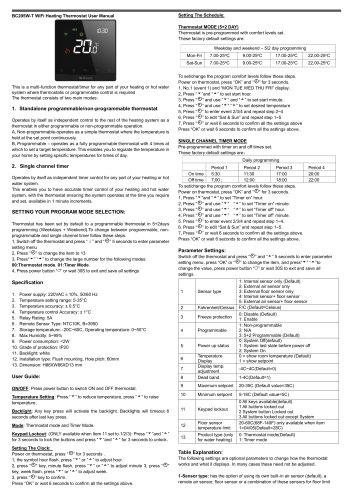 Breeze BC205W-T Datasheet
3 Pages
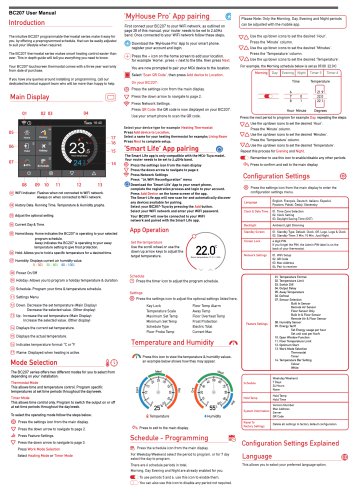 Breeze BC207W-T Datasheet
3 Pages
 Breeze BC203 Datasheet
2 Pages
 Breeze BC104-4AM Datasheet
2 Pages
 Breeze BC107-4EDM Datasheet
3 Pages
 Breeze BC107-2A/4A Datasheet
3 Pages
 Breeze BC105-4EDM Datasheet
2 Pages
 Breeze BC105-4AEDM Datasheet
2 Pages
 Breeze BC105-4AD Datasheet
2 Pages
 Breeze BC103-4ADM Datasheet
2 Pages
 Breeze BC103-2AEDM Datasheet
2 Pages
 Breeze BC103-4EDM Datasheet
2 Pages
 Breeze BC35-4 Datasheet
2 Pages
 Breeze BC104-4M Datasheet
2 Pages
 Breeze BC104W-4 Datasheet
2 Pages
 Breeze BC105W-4 Datasheet
2 Pages
 Breeze BC105-4DM Datasheet
2 Pages
 Breeze BC103S-ACDM Datasheet
2 Pages
 Breeze BC107-2/4 Datasheet
3 Pages
 Breeze BC107-4DM Datasheet
3 Pages
 Breeze BC107W-2/4 Datasheet
3 Pages
 Breeze BC103-4DM Datasheet
2 Pages
- White thermostat
- Digital thermostat
- Wall-mounted thermostat
- Thermostat with digital display
- Room thermostat
- Wireless thermostat
- Thermostat with touchscreen
- Black thermostat
- Air conditioning thermostat
- Manual thermostat
- Recessed thermostat
- WiFi thermostat
- Underfloor heating thermostat
- Home automation system thermostat
- Manual thermostatic valve
- Thermostatic valve
- Recessed wall thermostat