
- Catalogs
- Breeze Controls
- Breeze BC104W-4D Datasheet

Breeze BC104W-4D Datasheet
Breeze BC104W-4D Datasheet
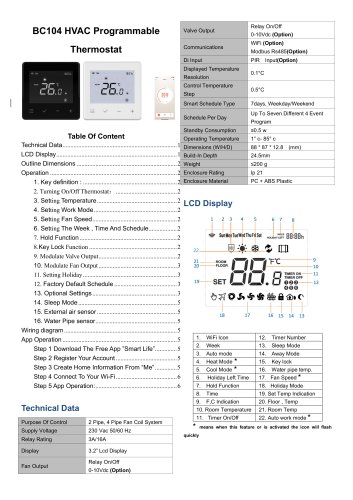
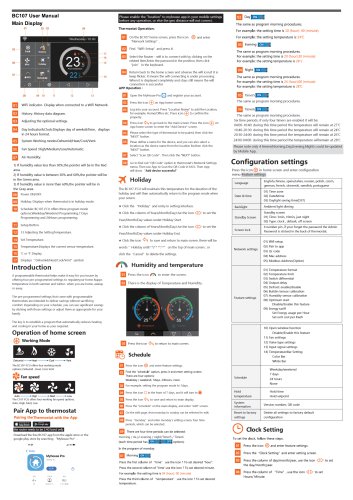
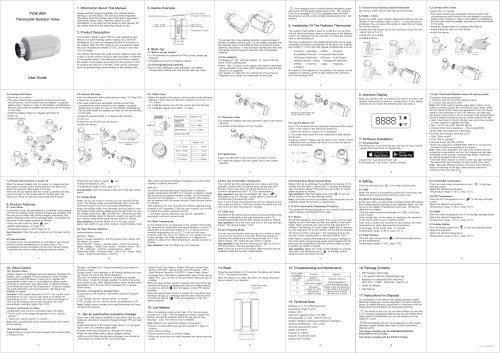
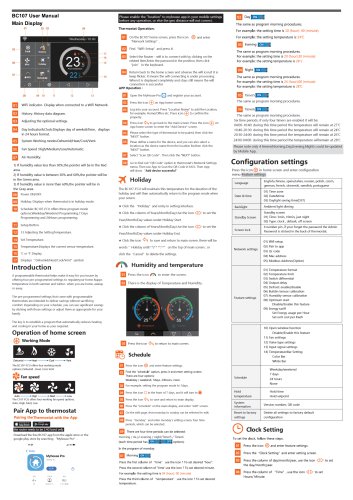
The BC104 HVAC Programmable Thermostat is compatible with 2-pipe and 4-pipe fan coil systems, operating at 230 Vac 50/60 Hz. It features a 3.2” LCD display and supports both relay on/off and 0-10Vdc options for fan and valve outputs. Communication is facilitated through WiFi and Modbus RS485. The device has a standby power consumption of ≤0.5 W and functions within a temperature range of 1°C to 85°C. It is encased in a PC + ABS plastic enclosure with an IP21 rating.
The display includes icons for various modes such as WiFi, week, auto, heat, cool, holiday, hold function, time, temperature, and fan speed. Icons flash to indicate active features.
- Key Functions: Includes keys for menu access, confirmation/on-off, and settings adjustments.
- Power Control: Toggle the thermostat's power with a key press.
- Temperature Adjustment: Use increase/decrease keys to set the desired temperature.
- Mode Selection: Choose from heat, cool, vent, and auto modes.
- Fan Speed Settings: Options include high, medium, low, and auto.
- Schedule Configuration: Set week, time, and schedule settings.
- Hold Function: Maintains the set temperature until deactivated.
- Key Lock Function: Locks/unlocks keys with a long press.
- Valve and Fan Output Modulation: Controls 0-10VDC modulate valve and fan outputs.
- Holiday Mode: Adjust settings for holiday days.
- Factory Default Schedule: Includes default schedules for weekdays/weekends and 7-day programming.
- Optional Settings: Covers model number, fan running mode, power-off/on data saving, key lock, schedule mode, temperature format, differential, etc.
Provides detailed connection instructions for installation.
- Step 1: Download the Smart Life/Tuya app.
- Step 2: Register using email or mobile number.
- Step 3: Create home information in the app.
- Step 4: Connect to Wi-Fi (2.4G band required).
- Step 5: Use the app to set temperature and schedule.
- Lock/Unlock Key: Secure or access thermostat controls.
- Holiday Days: Configure specific days for adjusted temperature settings.
- Temperature Format: Choose between Celsius or Fahrenheit.
- Temperature Limits: Define minimum and maximum temperature limits.
- Sleep Mode: Enable or disable energy-saving sleep mode.
- Work Mode: Select between Heat, Cool, Vent, or Auto modes.
- Schedule Type: Set scheduling preferences: 5/2, 7, or none.
- Hold Function: Enable or disable to maintain a constant temperature.
- Input Type Setting: Configure the input type for the thermostat.
- Modulate Valve Output Voltage: Adjust voltage for the modulating valve.
- EC Fan Output Voltage: Adjust voltage for the EC fan.
- DI Input Status: Check digital input status.
- Firmware Version: View the current firmware version installed.
Catalog excerpts
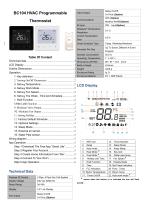
LCD Display Technical Data Purpose Of Control Supply Voltage Relay Rating 2 Pipe, 4 Pipe Fan Coil System 230 Vac 50/60 Hz means when this feature or is activated the icon will flash Relay On/Off 0-10Vdc (Option)
Open the catalog to page 1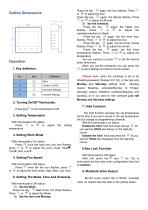
Outline Dimensions Press the key == again, the hour flashes, Press " or + to adjust the hour Press the key == again, the Minute flashes, Press ' or + to adjust the Minute 3) Set the schedule Press the kev •= aqain, the Week icon flashes, Press —or weekday/weekend or Week Press the key — again, the first timer hour flashes, Press —or + to adjust the hour Press the key == again, the first timer minute flashes, Press —or + to adjust the minute Press the key == again, the first timer temperature flashes, Press —or + to adjust the temperature You can continue to press == to set the second timer, third...
Open the catalog to page 2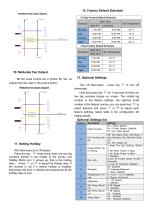
Modulate Valve output diagram 10. Modulate Fan Output 5-2 Day Factory Default Schedule BC104 could control the 0-10VDC EC fan, its outputs flow the rules in the picture below: 11. Setting Holiday With thermostat is in ON status: Press the key == three times, there are two big numbers flashes in the middle of the screen and Holiday Mode icon shows up, that is the holiday days , Press —or + to adjust the holiday days. If the number is not 0 it means holiday is enabled, thermostat will work in defrost set temperature till the holiday days is over. 13. Optional Settings Turn off thermostat - press...
Open the catalog to page 3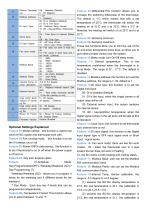
Optional Settings Explained Feature 01-Model number: this function is used to set which HVAC system the thermostat work with . Feature 02-Fan running mode: this function is to set fan if it always run or not Feature 03-Power-Off/On data saving: this function is to set if thermostat is on or off when the power supply is off and on. Feature 04- Key lock: keylock option Feature 05-Schedule Mode: Non-Programmable(OFF), Weekday/Weekend (5/2),7 Day Programming (7). Weekday/Weekend (5/2) - allows you to program 4 levels for the weekday and 4 different levels for the weekend. 7 Day Mode - Each day has...
Open the catalog to page 4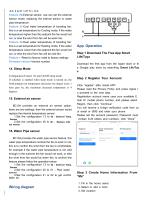
-0.4, it is 21.1-21.5 = -0.4; Feature 20-External sensor: use can set the external sensor mode: replacing the internal sensor or water pipe temperature Feature 21-Cool water temperature of boosting fan: this is a set temperature for Cooling mode, if the water temperature higher than this setpoint the fan would not run, or else the wind from fan will be warm fan. Feature 22-Heat water temperature of boosting fan: this is a set temperature for Heating mode, if the water temperature Lower than this setpoint the fan would not run, or else the wind from fan will be cold fan. Feature r -Reset to factory:...
Open the catalog to page 5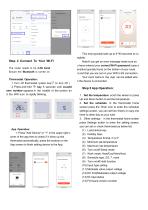
Step 4 Connect To Your Wi-Fi The router needs to be 2.4G band. Ensure the Bluetooth is turned on Thermostat Operation: 1. Turn off thermostat (press key'/ to turn off ) 2. Press and hold H” key 5 seconds until countd own number appears in the middle of the screen an d the WiFi icon is rapidly blinking. 1. Press "Add Device" or "+" in the upper right c orner of the app then to check if it show up this thermostat automatically, press the buttons on the App screen to finish adding device to the App. This may typically take up to 5~90 seconds to co mplete. Note:If you get an error message make sure...
Open the catalog to page 6All Breeze Controls catalogs and technical brochures
 Breeze TV01 Datasheet
18 Pages
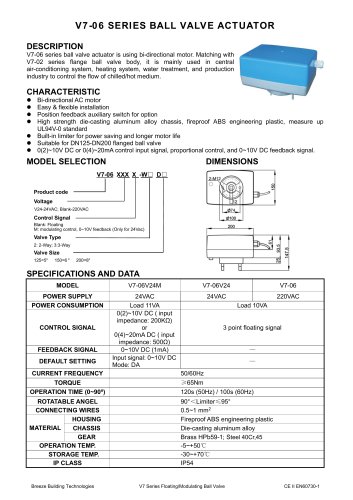 Breeze V7-06 Datasheet
2 Pages
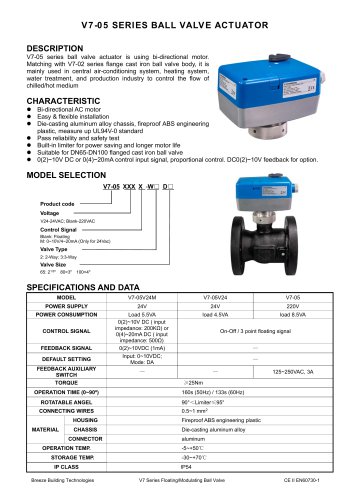 Breeze V7-05 Datasheet
3 Pages
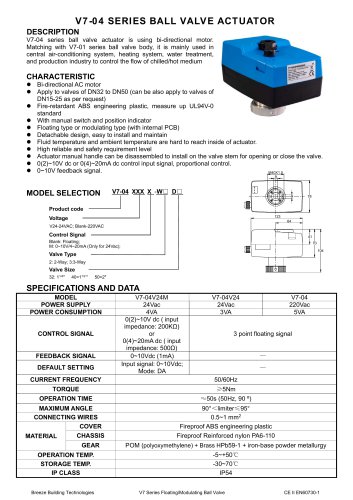 Breeze V7-04 Datasheet
2 Pages
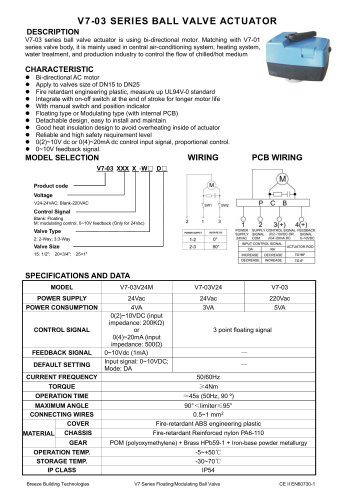 Breeze V7-03 Datasheet
2 Pages
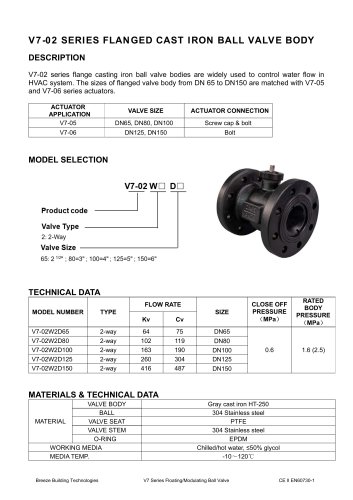 Breeze V7-02 Datasheet
2 Pages
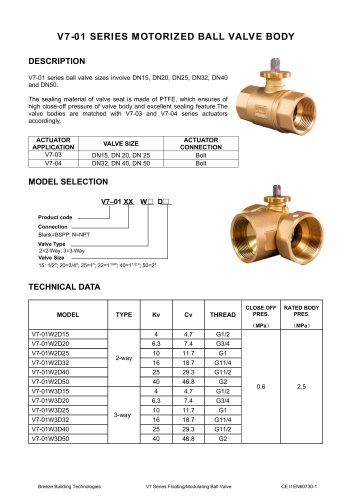 Breeze V7-01 Datasheet
2 Pages
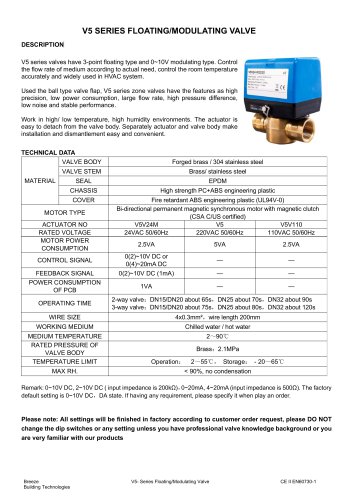 Breeze V5 Datasheet
3 Pages
 Breeze V4 Datasheet
8 Pages
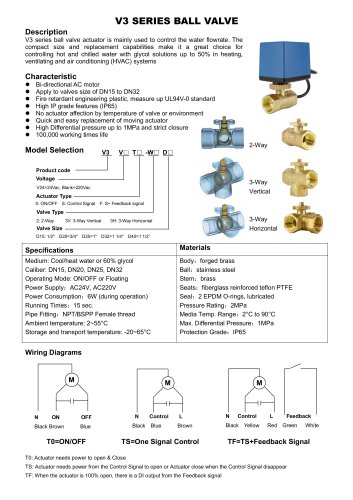 Breeze V3 Datasheet
2 Pages
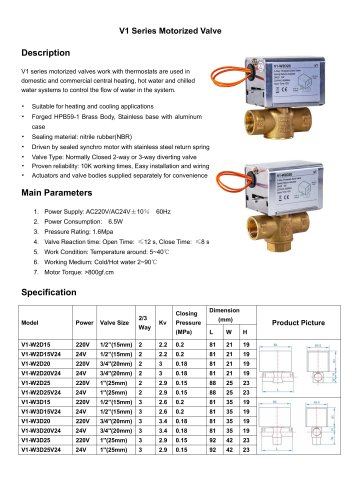 Breeze v1 datasheet
2 Pages
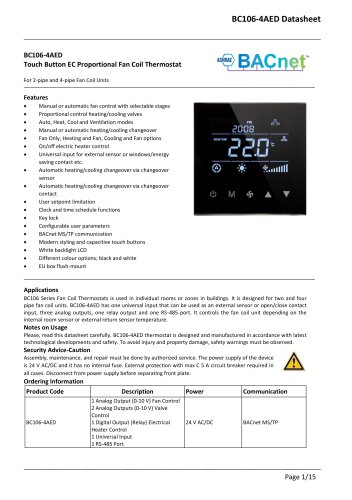 Breeze BC106-4AED Datasheet
15 Pages
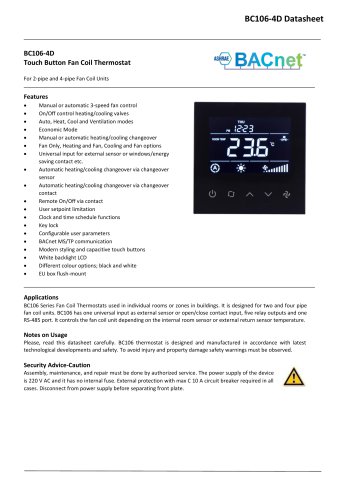 Breeze BC106-4D Datasheet
18 Pages
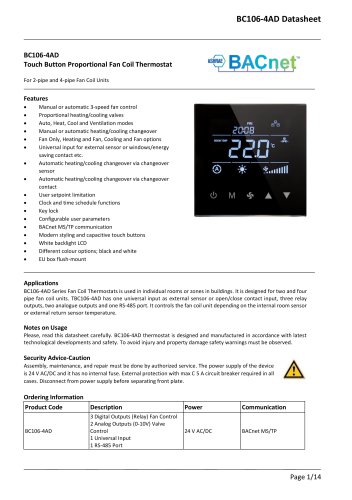 Breeze BC106-4AD Datasheet
14 Pages
 Breeze BC107-2A/4A LoRaWAN
3 Pages
 Breeze BC107-2/4 LoRaWAN
2 Pages
 Breeze BC205Z-T Datasheet
3 Pages
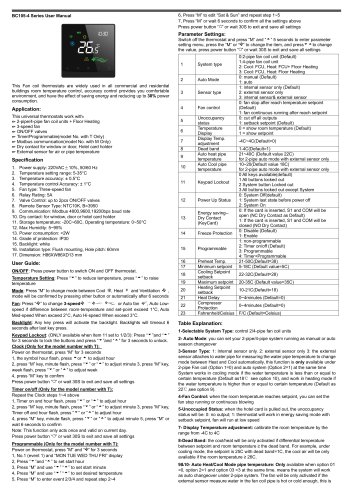 Breeze BC105W-4D Datasheet
3 Pages
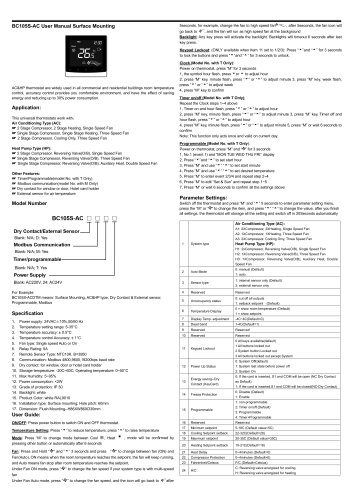 Breeze BC105-AC&HP Datasheet
2 Pages
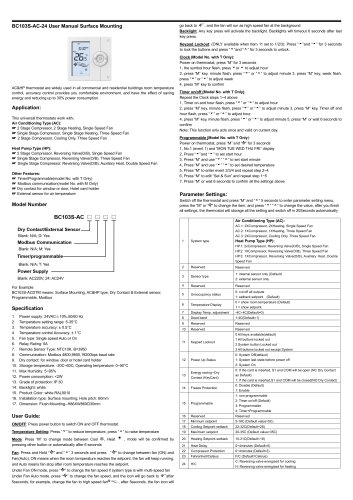 Breeze BC103-AC&HP Datasheet
2 Pages
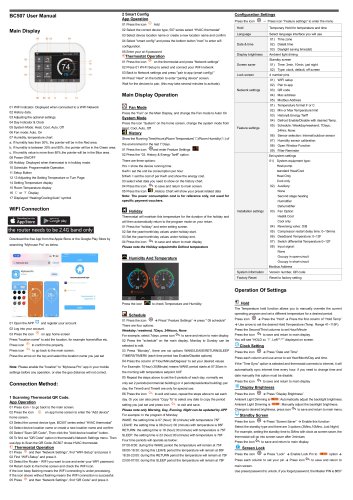 Breeze BC507 Datasheet
2 Pages
 Breeze BC107W-4E Datasheet
3 Pages
 Breeze BC105W-2/4D Datasheet
3 Pages
 Breeze BC105W-4ED Datasheet
3 Pages
 Breeze BC204-E Datasheet
6 Pages
 Breeze BC203-E Datasheet
2 Pages
 Breeze BC205-E Datasheet
3 Pages
 Breeze BC207-E Datasheet
2 Pages
 Breeze BC204 Datasheet
2 Pages
 Breeze BC205W Datasheet
3 Pages
 Breeze BC205Z-T Datasheet
3 Pages
 Breeze BC205W-T Datasheet
3 Pages
 Breeze BC207W-T Datasheet
3 Pages
 Breeze BC203 Datasheet
2 Pages
 Breeze BC104-4AM Datasheet
2 Pages
 Breeze BC107-4EDM Datasheet
3 Pages
 Breeze BC107-2A/4A Datasheet
3 Pages
 Breeze BC105-4EDM Datasheet
2 Pages
 Breeze BC105-4AEDM Datasheet
2 Pages
 Breeze BC105-4AD Datasheet
2 Pages
 Breeze BC103-4ADM Datasheet
2 Pages
 Breeze BC103-2AEDM Datasheet
2 Pages
 Breeze BC103-4EDM Datasheet
2 Pages
 Breeze BC35-4 Datasheet
2 Pages
 Breeze BC104-4M Datasheet
2 Pages
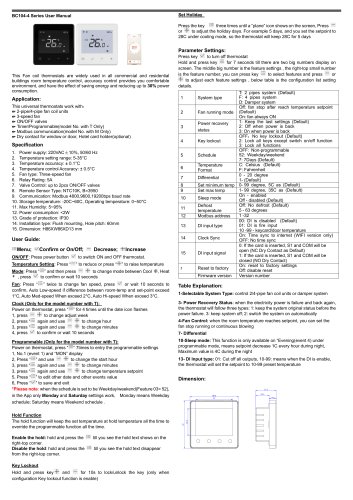 Breeze BC104W-4 Datasheet
2 Pages
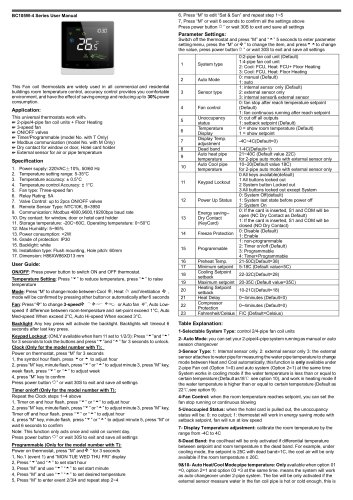 Breeze BC105W-4 Datasheet
2 Pages
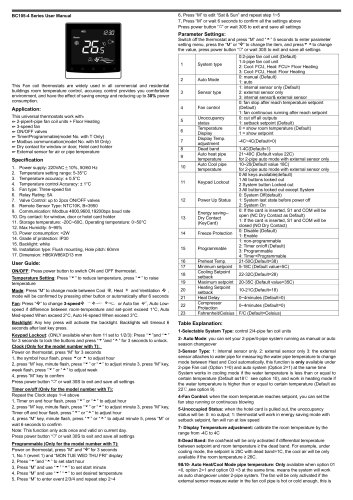 Breeze BC105-4DM Datasheet
2 Pages
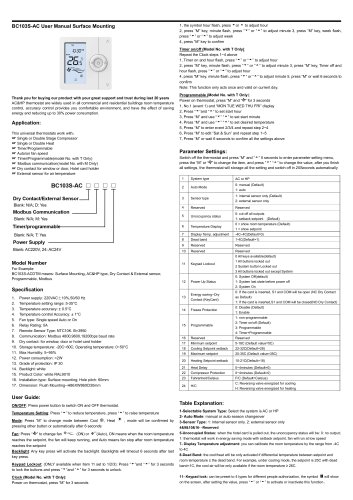 Breeze BC103S-ACDM Datasheet
2 Pages
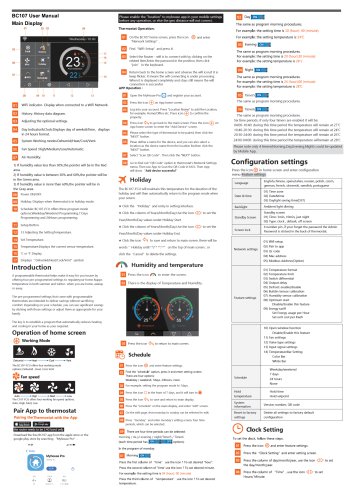 Breeze BC107-2/4 Datasheet
3 Pages
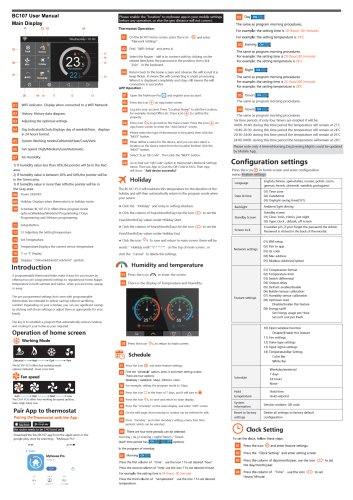 Breeze BC107-4DM Datasheet
3 Pages
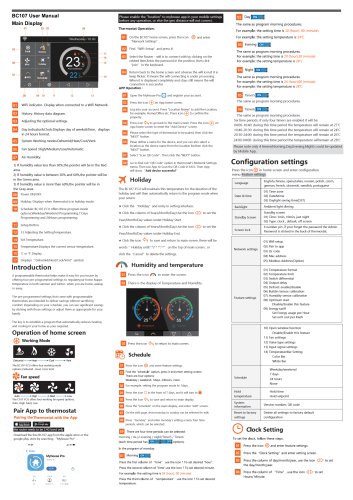 Breeze BC107W-2/4 Datasheet
3 Pages
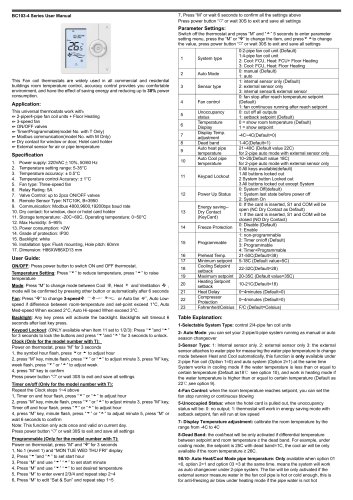 Breeze BC103-4DM Datasheet
2 Pages
- White thermostat
- Programmable thermostat
- Heating thermostat
- Digital thermostat
- Wall-mounted thermostat
- Thermostat with digital display
- Room thermostat
- Wireless thermostat
- Thermostat with touchscreen
- Black thermostat
- Air conditioning thermostat
- Manual thermostat
- Recessed thermostat
- WiFi thermostat
- Underfloor heating thermostat
- Home automation system thermostat
- Manual thermostatic valve
- Thermostatic valve
- Recessed wall thermostat