- Catalogs
- Atelier Luxus
- 355KNX & 655KNX

- Company
- Products
- Catalogs
- News & Trends
- Exhibitions
355KNX & 655KNX
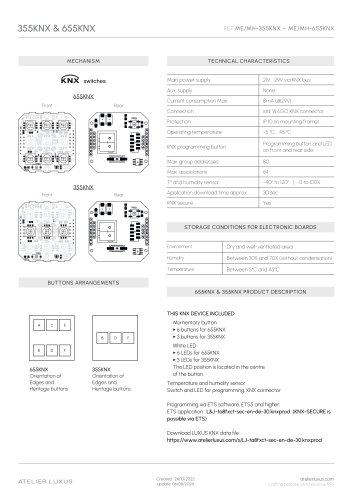
355KNX & 655KNX
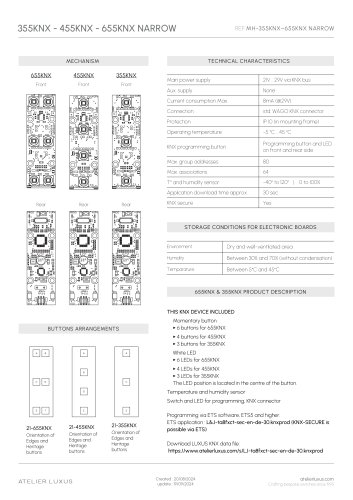
- Power Supply: 21V to 29V via KNX bus, standard WAGO KNX connector, 8mA current consumption at 29V.
- Protection: IP 10 when mounted.
- Operating Temperature: -5°C to 45°C.
- Programming: Button and LED available on both front and rear sides, programmable via ETS software (ETS5 and higher).
- KNX Secure: Supported.
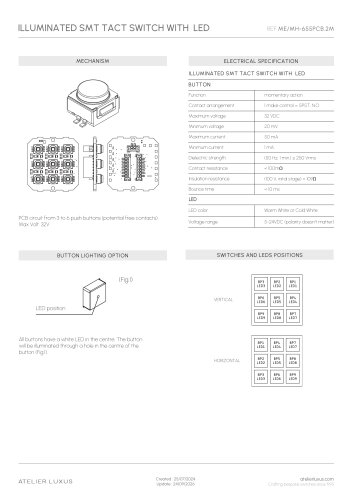
- Buttons and LEDs: 655KNX includes 6 buttons and LEDs, 355KNX includes 3 buttons and LEDs. LEDs are centrally located on buttons.
- Sensors: Integrated temperature and humidity sensor.
- Storage: Dry, well-ventilated area, 30% to 70% humidity without condensation, temperature between 5°C and 45°C.
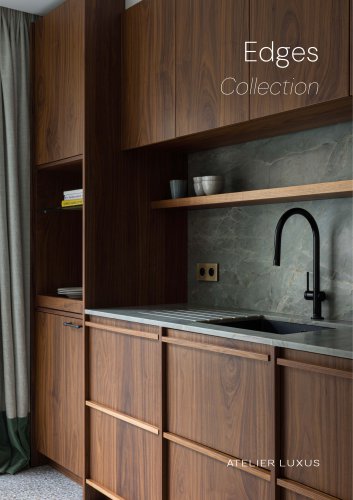
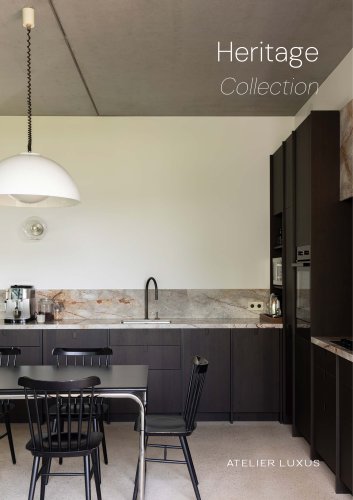
- Models: 355KNX and 655KNX, compatible with Edges and Heritage faceplates.
- Assembly: Includes KNX module, bracket, support, screws, and buttons bracket.
- Max Group Addresses: 80
- Max Associations: 64
- Application Download Time: Approximately 30 seconds.
- Temperature and Humidity Sensor Range: -40° to 120°C, 0 to 100% humidity.
Catalog excerpts
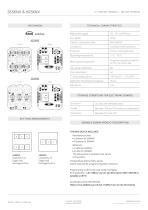
TECHNICAL CHARACTERISTICS Main power supply STORAGE CONDITIONS FOR ELECTRONIC BOARDS BUTTONS ARRANGEMENTS Orientation of Edges and Heritage buttons Orientation of Edges and Heritage buttons THIS KNX DEVICE INCLUDED Momentary button The LED position is located in the centre of the button. Temperature and humidity sensor Switch and LED for programming, KNX connector Programming via ETS software, ETS5 and higher. ETS application : L&J-ta8fxct-sec-en-de-30.knxprod (KNX-SECURE is possible via ETS) Download LUXUS KNX data file: ATELIER LUXUS Crafting bespoke switches since 1995
Open the catalog to page 1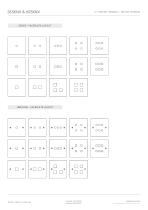
EDGES - FACEPLATE LAYOUT ATELIER LUXUS
Open the catalog to page 2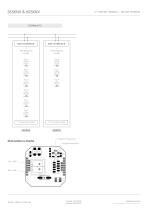
655KNX 355KNXRFAR 655KNX & 355KNX Programming button r.Programming Led ATELIER LUXUS Created: 24/10/2022 update: 06/06/2024 Crafting bespoke switches since 1995
Open the catalog to page 3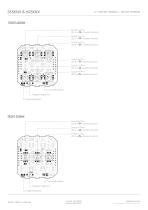
T° & humidity sensor Programming button Programming LED T° & humidity sensor Programming button Programming LED Crafting bespoke switches since 199
Open the catalog to page 4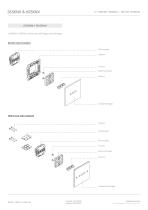
ASSEMBLY DIAGRAM 655KNX & 355KNX can be use with Edges and Heritage. EDGES MECHANISM KNX module Support Screws Buttons bracket Buttons Faceplate Edges HERITAGE MECHANISM Screws KNX module Screws Buttons bracket Buttons Faceplate Heritage Crafting bespoke switches since 1995
Open the catalog to page 5All Atelier Luxus catalogs and technical brochures
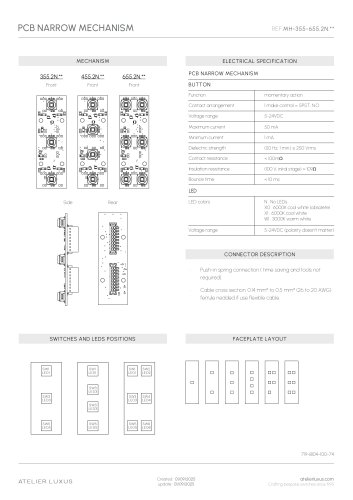 PCB NARROW MECHANISM
3 Pages
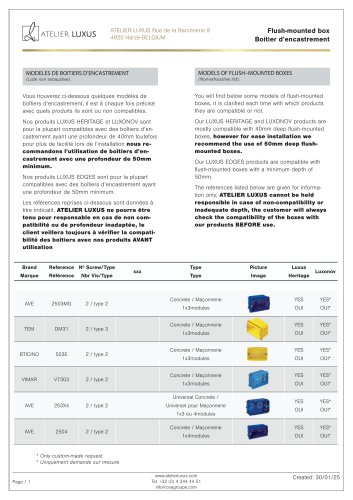 Flush-mounted box
6 Pages
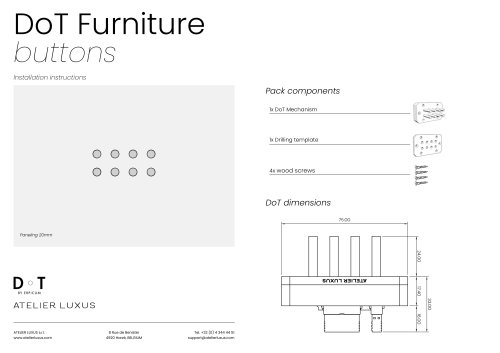 DoT Furniture buttons
2 Pages
 INSTALLATION AND MAINTENANCE
4 Pages
 Rotary knobs
7 Pages
 Patinas & Finishes 2026
2 Pages
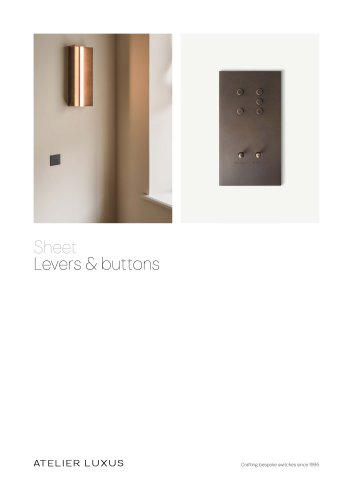 LEVERS & BUTTONS
6 Pages